TI-89/TI-92 Plus/Voyage™ 200 NoteFolio™ App Page 5
Getting Started with the NoteFolio™ App
A folio can be as large as 64 KB and contain an unlimited number
of notes. The only limitation is the amount of available RAM on
your handheld device.
Creating a folio
1. Start
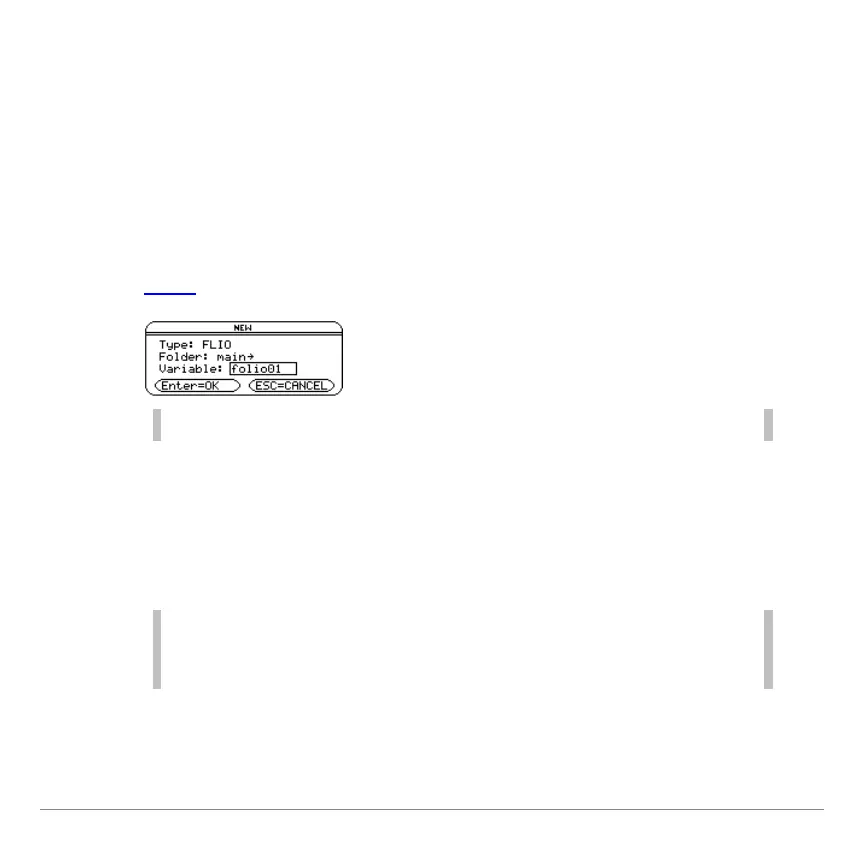
the NoteFolio App and select 3:New.
Note Before you can create a note, you must create a folio.
2. In the NEW dialog box, select a folder and either accept the
default folio name or type a new folio name in the variable
field.
3. Press ¸.
Note The operating system for your handheld device uses the term
variable to refer to the folios that you create. Any notes that you
create are stored in the current folio.


 To Next Page