Common settings
[Channel Num]: the channel selection of the multi-channel network video equipment,
such as: 4-channel network video server has 4 channels.
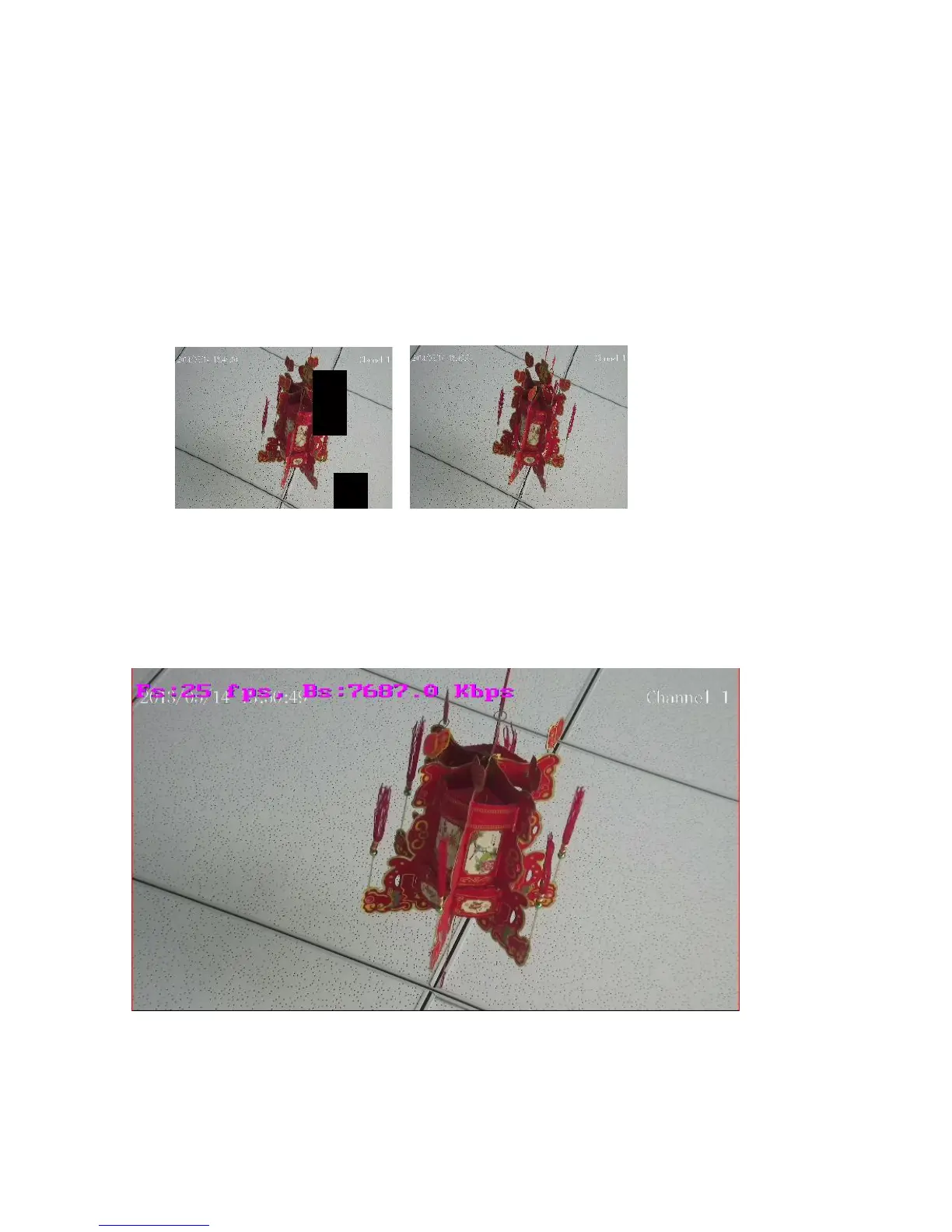
[Set video cover area]: Check to set the video occluded region, including with the mouse
to take effect after the area you want to block as shown in Figure 5.15 Figure black area
in the upper-right corner of the block part of the picture, click on the Clear area back to
normal as shown in Fig 5.16.
Fig 5.15 Fig 5.16
Showing frame-rate and bit-stream information: select this option will display in the upper
left corner of the interface, line of peach red font of frame rate and stream information in
Figure 5.17
Fig 5.17
[Local storage path]: Click Browse, choose its path to be stored
[Local video format]: Contains two kinds of local video format: H.264 and AVI



 To Next Page