[Channel Num]: select an existing alarm channel number in the view of the area, you can
use the mouse to select the motion alarm area, otherwise defaulted full-screen; you can
also drag the scroll bar to set up the sensitivity.
Arming: You can select Monday, Tuesday ... Sunday, and check the check box to set up
the arming period.
[Link type]: optional linkage output, check the checkbox below, you can choose the alarm
output channel.
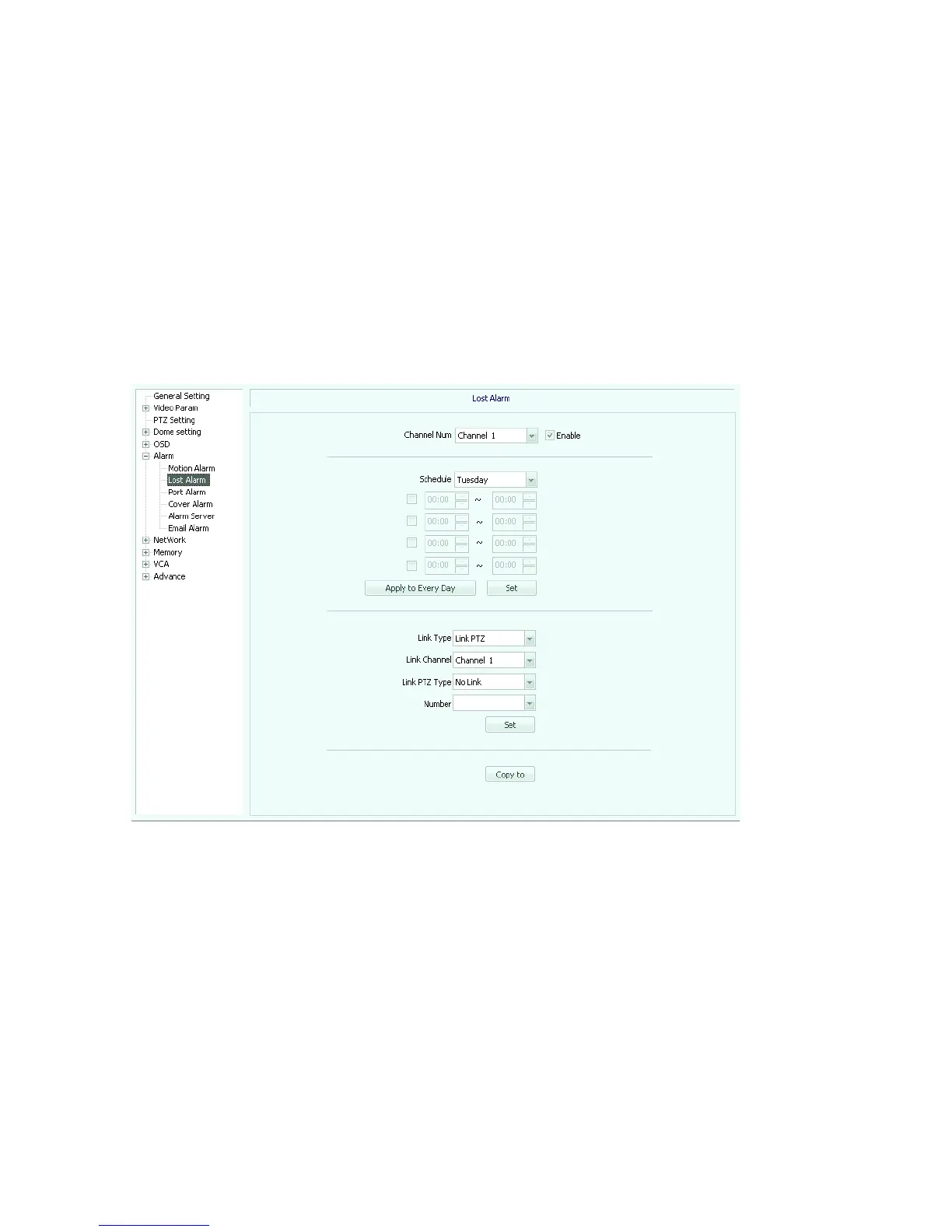
Loss alarm (Figure 5.27), check the "enable" box.
Fig 5.27
【Channel Num】: Select the alarm channel number.
Arming: You can select Monday, Tuesday ... Sunday, and check the check box to set up
the arming period.
【Link type】Optional link to PTZ.
[Link channel]: select an existing linkage alarm channel.
[Link PTZ Type]: optional no link, preset position, pattern tour etc.
[Number]: If you set the linkage PTZ preset, cruise path etc. set up the corresponding



 To Next Page