number.
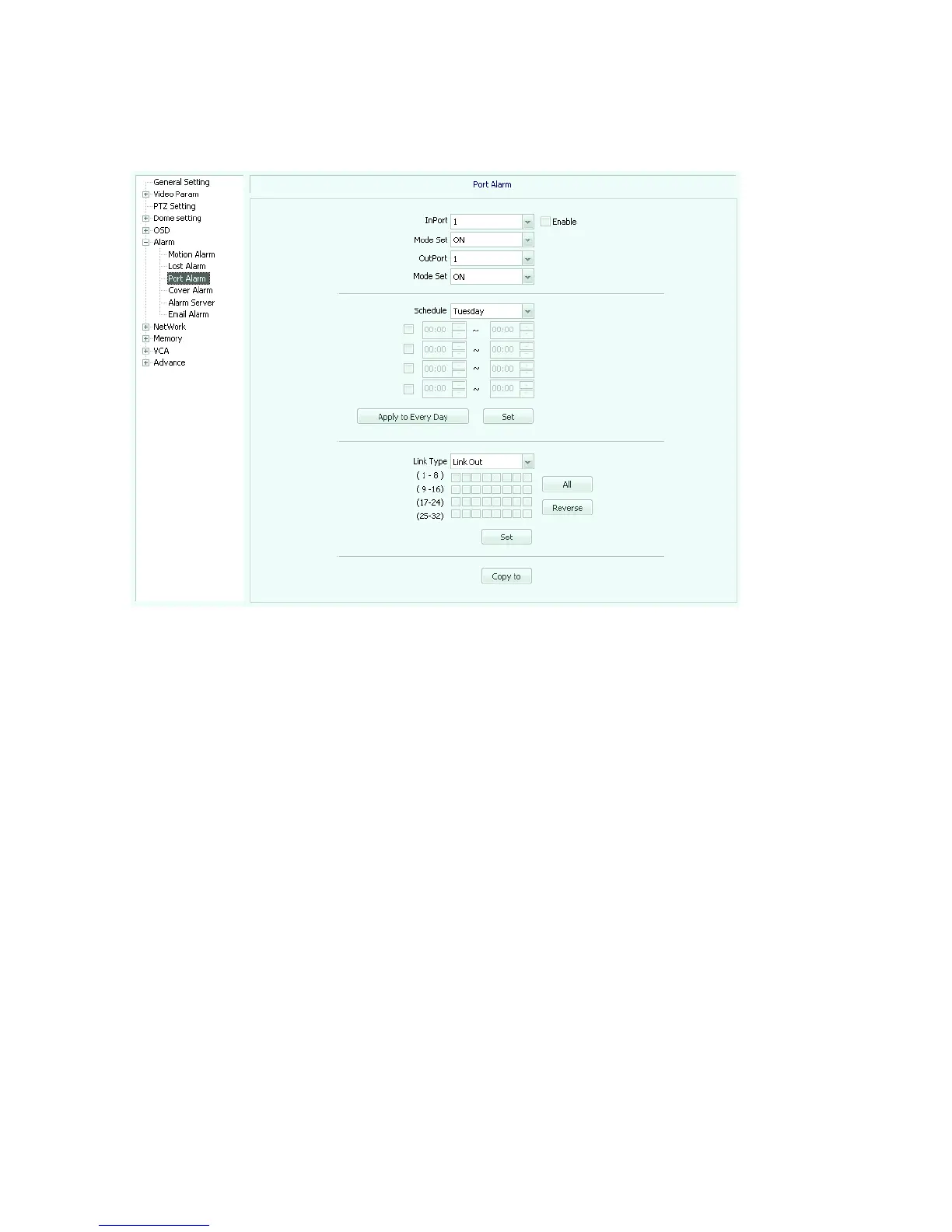
Port alarm (Figure 5.28), check the "enable" box.
Fig 5.28
In port: Select the alarm input port number.
Mode set: optional closed-circuit alarm, open circuit alarm.
Out port: Select the alarm output port number.
Mode set: optional closed-circuit alarm, open circuit alarm.
Arming: You can select Monday, Tuesday ... Sunday, and check the check box to set up
the arming period.
[Link type]: optional link out, check the checkbox below, you can choose the alarm output
channel.
Cover alarm (Figure 5.29), check the "enable" box.
【Channel number】: Select the alarm channel number.
Arming: You can select Monday, Tuesday ... Sunday, and check the check box to set up
the arming period..
Link type】Optional link to PTZ.



 To Next Page