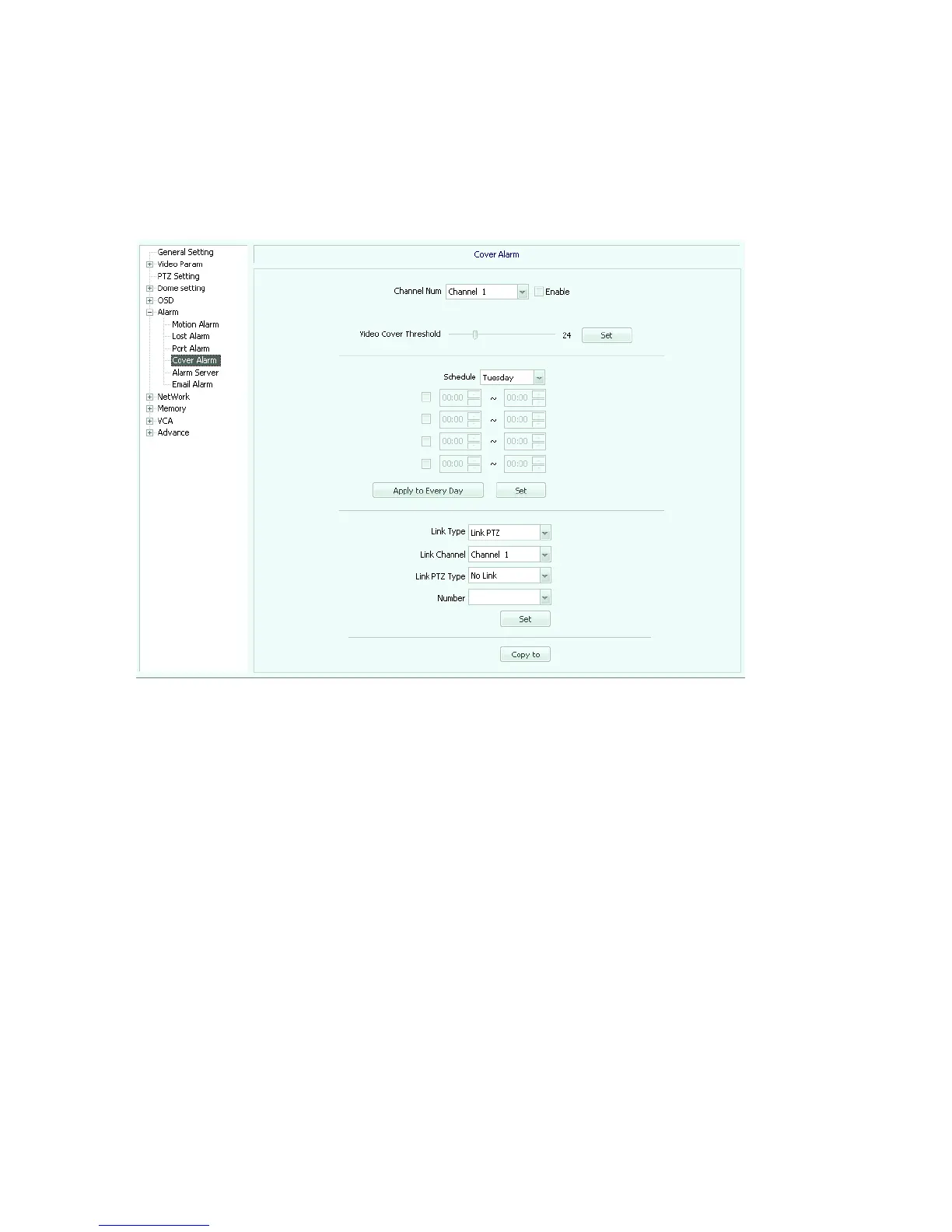
[Link channel]: select an existing linkage alarm channel.
[Link PTZ Type]: optional no link, preset position, pattern tour etc.
[Number]: If you set the linkage PTZ preset, cruise path etc. set up the corresponding
number
.
Fig 5.29
Alarm Server (Figure 5.30)
[Alarm server]: set up the alarm server address
[Port]: Set up the alarm server port number
[COM server]: set the serial port server address
[Port]: set the serial port server port number



 To Next Page