• Wi-Fi mode
Wi-Fi mode setup
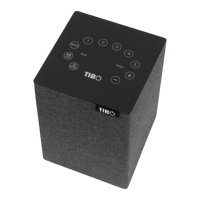
1) Turn on the Choros 2 by pressing and holding
the power button until the mode light turns on.
Then short press the mode button until the
speaker replies with “Wi-Fi mode.” (The mode
light will turn red)
2) Open the TIBO app on your Android or iOS
device and follow the instructions on screen.
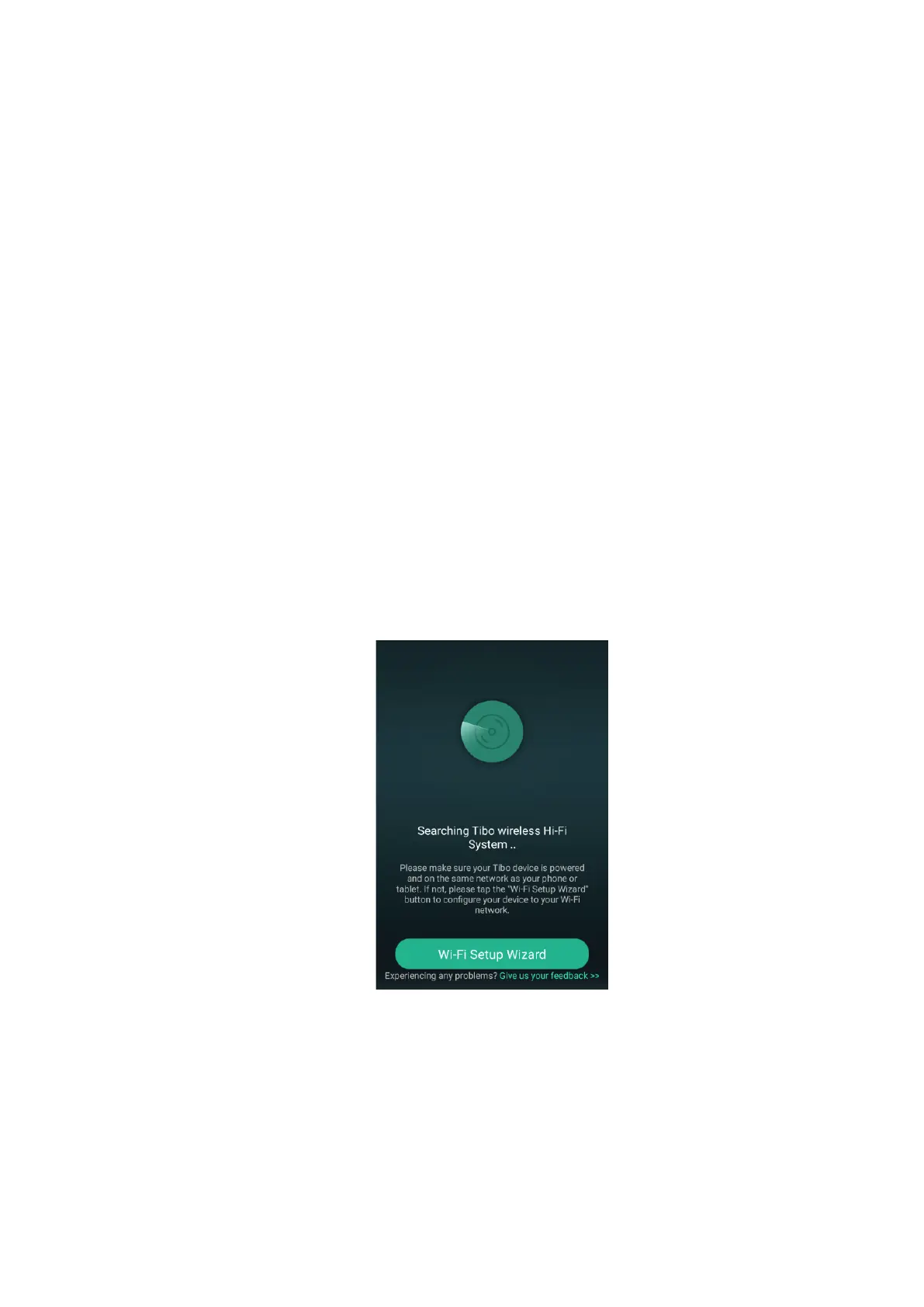
3) Once opened, if your TIBO app has no devices
connected to it, the screen should look like
this. (See below) Click on ‘Wi-Fi Setup Wizard’
at the bottom of the page.
4) Make sure you’re connected to 2.4G Wi-Fi as
TIBO Smart Audio products are only
compatible with 2.4G Wi-Fi. Then press ‘Next’.


 To Next Page