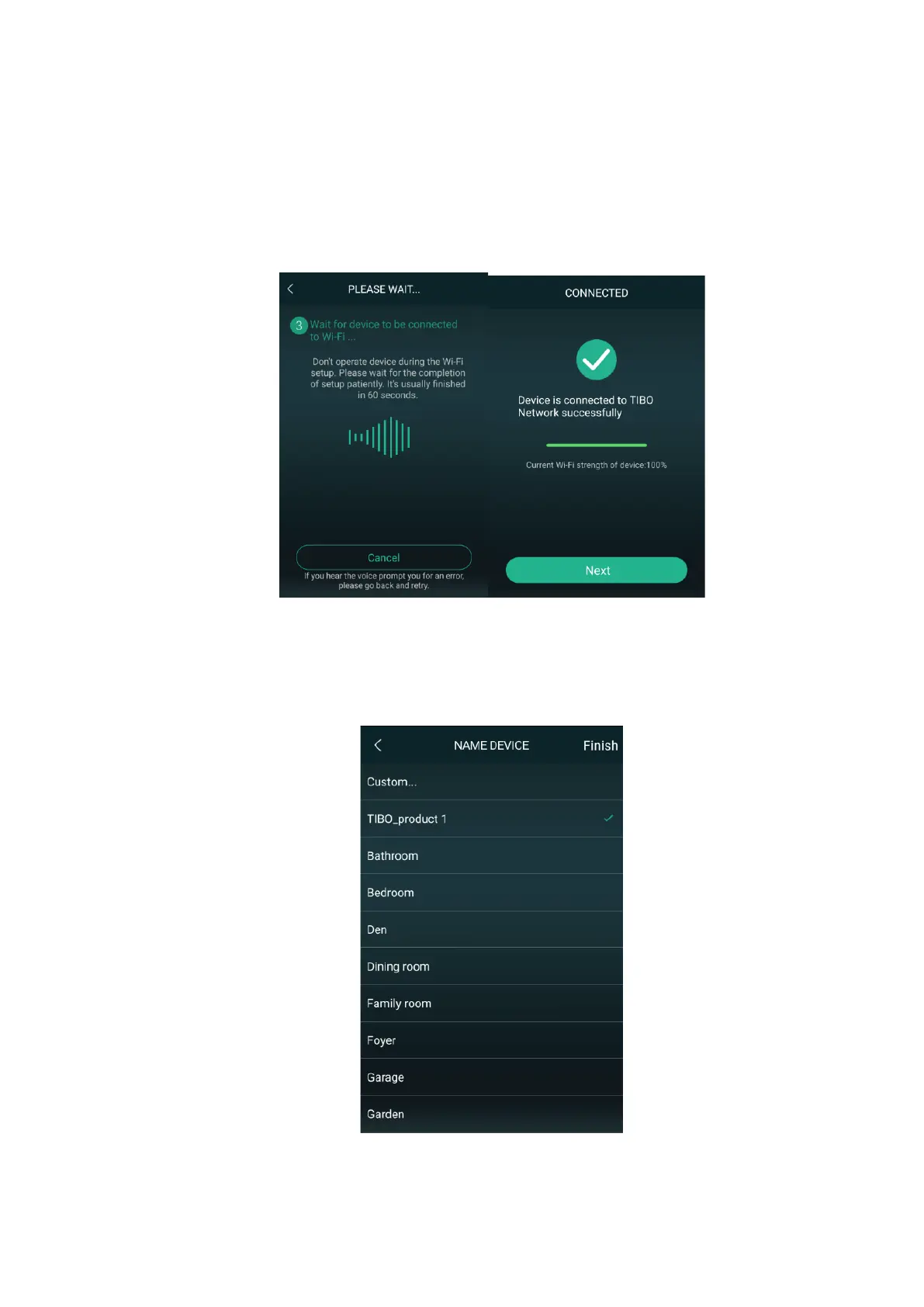
7) Then wait for the Choros 2 to connect to your
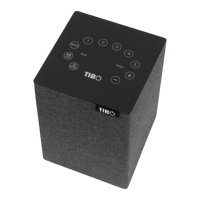
Wi-Fi. When connected, the Choros 2 will
respond by saying “Wi-Fi connected. Then
press ‘Next.’
8) You can now name your Choros 2 speaker
within the app. Either select from the list of pre-
set options or click on custom to set your own
name. Then press ‘Finish.’


 To Next Page