3
Setting up your trolley:
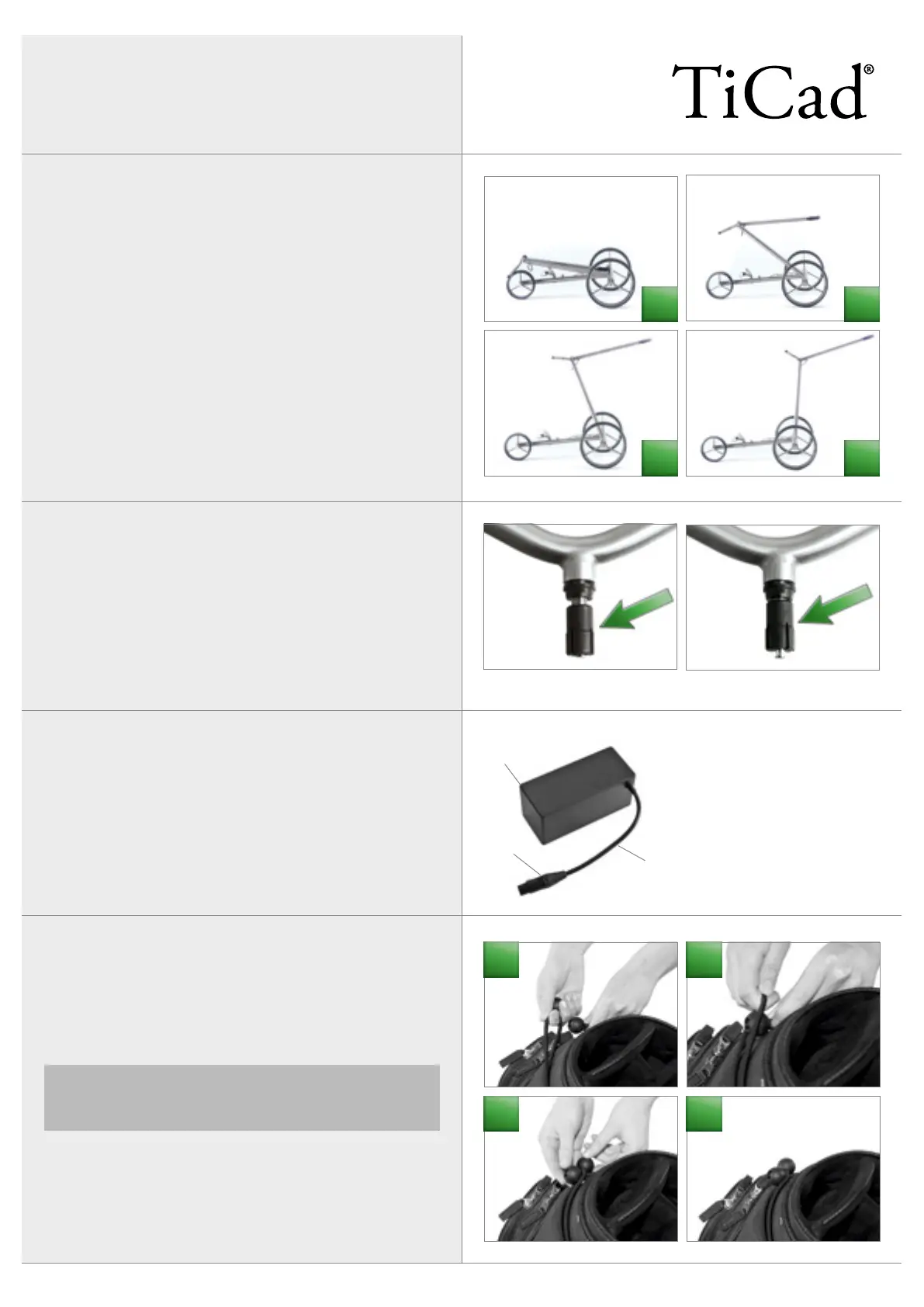
The frame of your TiCad trolley is easy to set up and fold together.
To do so, push the bottom bar right down until it reaches the bot-
tom limit stop and the centre bar right up until it reaches the top
limit stop.
Bag holder:
Both bag holders are attached to the trolley with expansion bolts.
The expansion bolts must not be turned in too far (see images),
because there has to be a gap between the expansion bolts and
the start of the threads. To fit the bag holder, insert it into the
frame and then align and fix it into place by twisting the bag hold-
er.
Expansion bolt turned in too far
Expansion bolt in the correct position
Connecting/removing the battery
Insert the battery into the provided battery holder and fasten it
with the strap. Connect the battery before placing the golf bag
onto the trolley. Do not let the battery connector drop to the
ground. To remove the battery, press the catch and pull the con-
nector out horizontally (do not pull on the cable).
Attaching the golf bag:
To fasten the golf bag, insert one of the round fasteners into the
strap of the opposite fastening strap. When doing so, make sure
not to flick the fasteners, as this may cause injury. To undo the fas-
tening straps, hold on to the bottom strap and then pull the top
fastening strap with your other hand.
1 Battery inside plastic housing
2 Cable
3 Connector, 4-pin, with catch
1
3
2
4
We recommend adjusting the drawbar only once the golf
bag has been attached to prevent the trolley from tipping
over.
2
3
1
1 2
3 4


 To Next Page
 Loading...