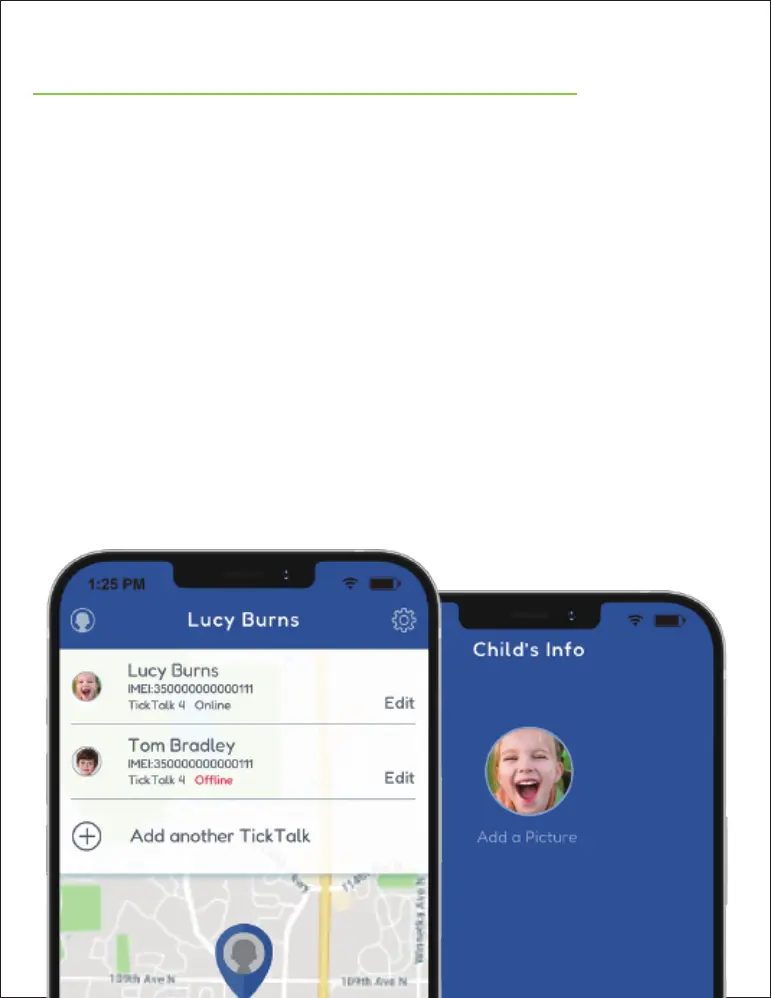
EDIT YOUR CHILD’S INFO
To edit your child’s personal information, select
the PROFILE ICON in the top left corner of your
App. You CANNOT call your TickTalk 4 until
your watch phone number has been setup in
your App.
To add another TickTalk 4, click the PROFILE
ICON on the top left corner and select ADD
ANOTHER TICKTALK. Once you pair multiple
watches to your App, you can switch to different
watches by selecting the watch name.


 To Next Page