12
2. EN Connecting to your smartphone
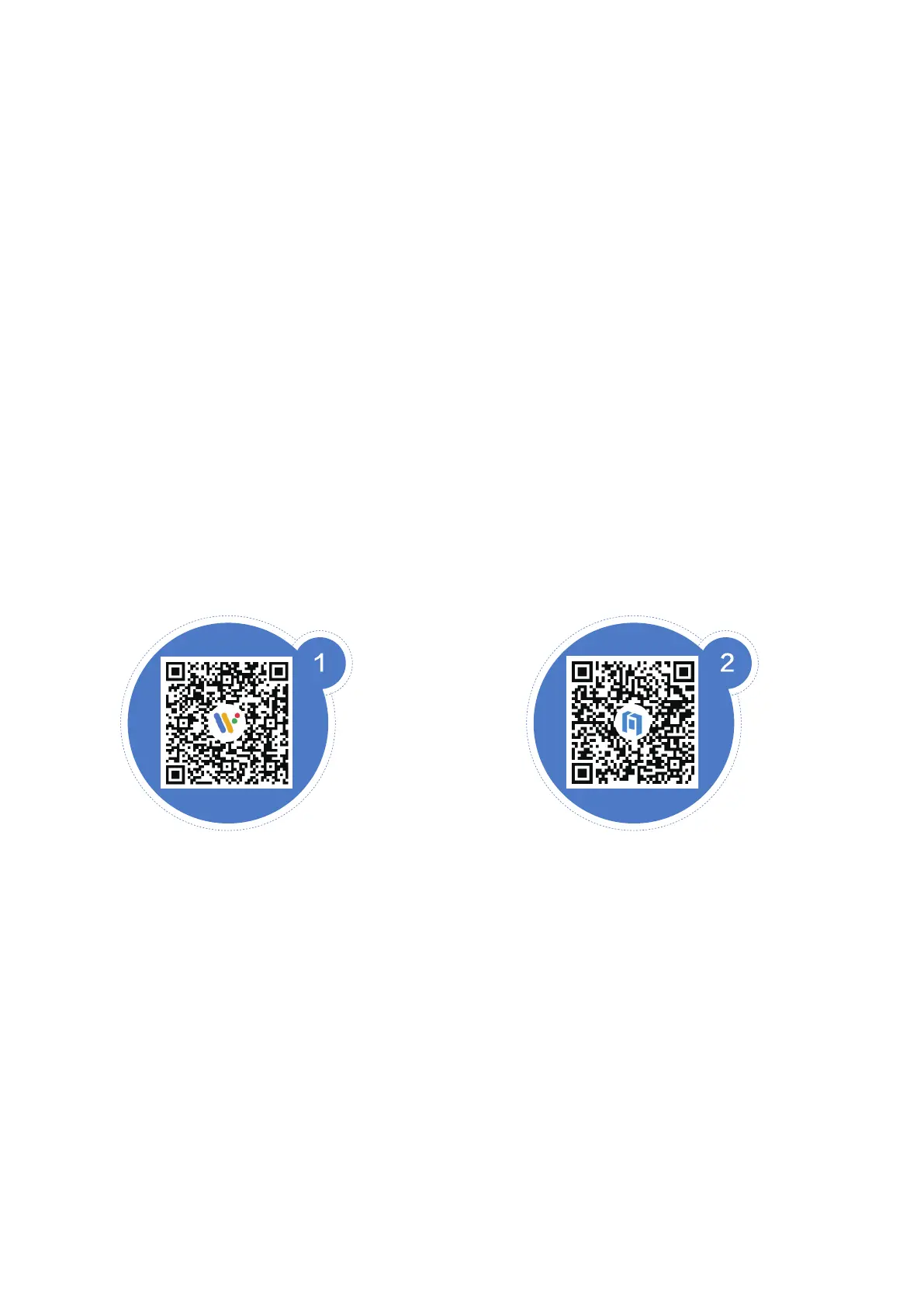
1. Download the Wear OS Ьу Google'м арр оп
Google Play/the Apple Арр Store ог download it
Ьу scanning the following QR code. Follow the
instructions in the Арр and оп your TicWatch to
complete the setup.
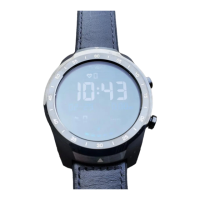
2. Download the Mobvoi Арр Ьу scanning the
following QR code or download it оп Google
Play/the Apple Арр Store.


 To Next Page