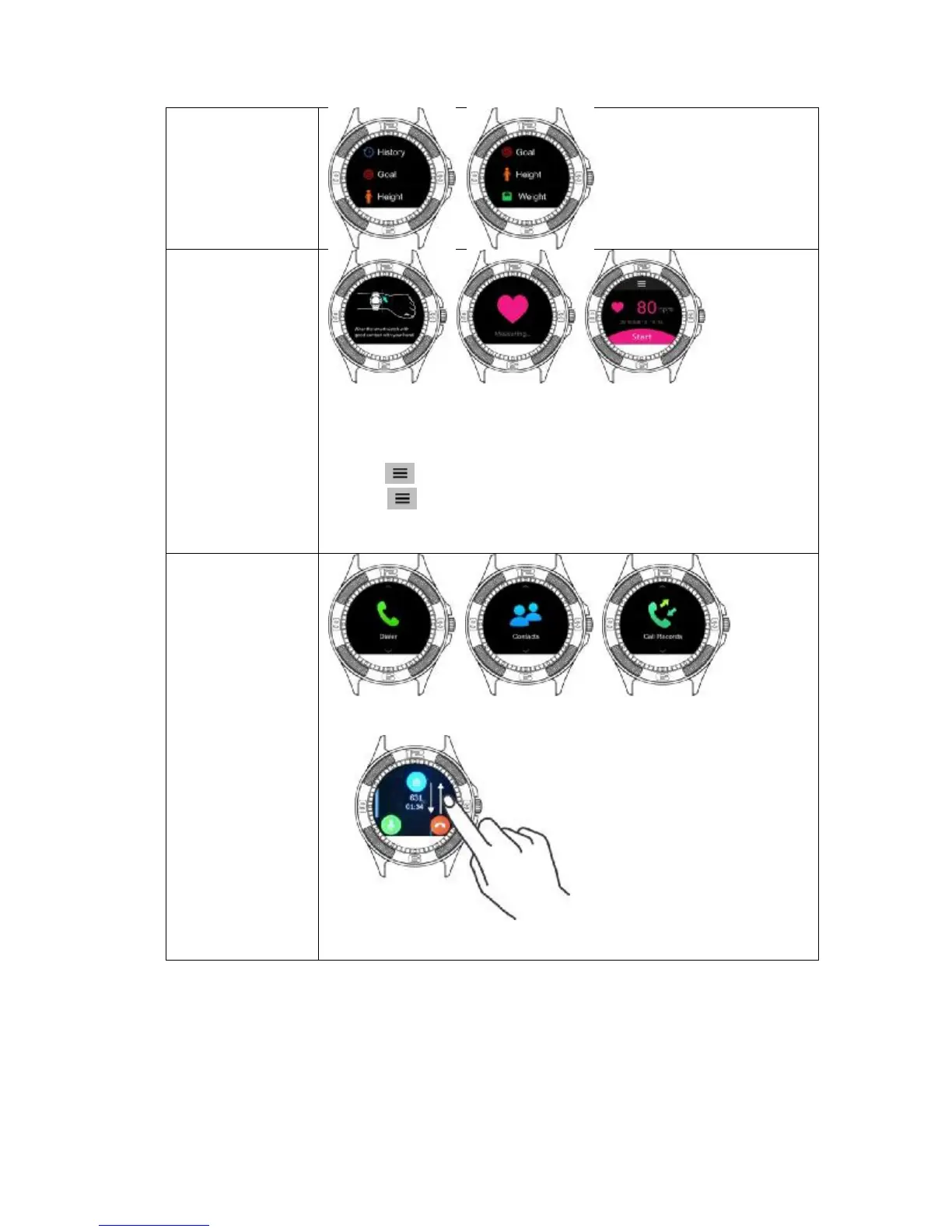
• Please wear the watch on your wrist before start to measure your
heart rate
• It is strongly suggested to measure 2 times at least to ensure the
accuracy,
• Tap to check the history, it saves 20 records
• Tap to set “repeat” as dynamic- measuring, it will keep
measuring your heart rate. return to main menu for multi-tasking
• No history can be saved under dynamic- measuring
Contacts
Call Records
• It sync your phonebook, you can make and receive phone calls, it also
shows your incoming and outgoing records
• Slide up and down to increase or decrease the volume.


 To Next Page