6
Recording a static layout
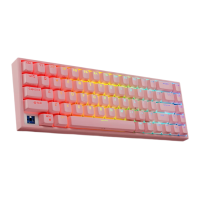
To record your own personalized “static RGB” layout please do the following:
1. Press and release the REC (2) knob.
2. Now press and hold the REC knob until the caps lock, num lock and win
lock led’s start to flash. Please note that keyboards typing function will be
disabled while in record mode.
3. Press each key to cycle through the 8 different options. Each key is
controlled independently so you will need to repeat the color option for each
key.
4. Once you are done, press the REC knob to save the current pattern.
Note: You can record up to 5 different static layouts. Once recorded, you can
switch between them all by simply turning the REC knob.
MEDIA MODE
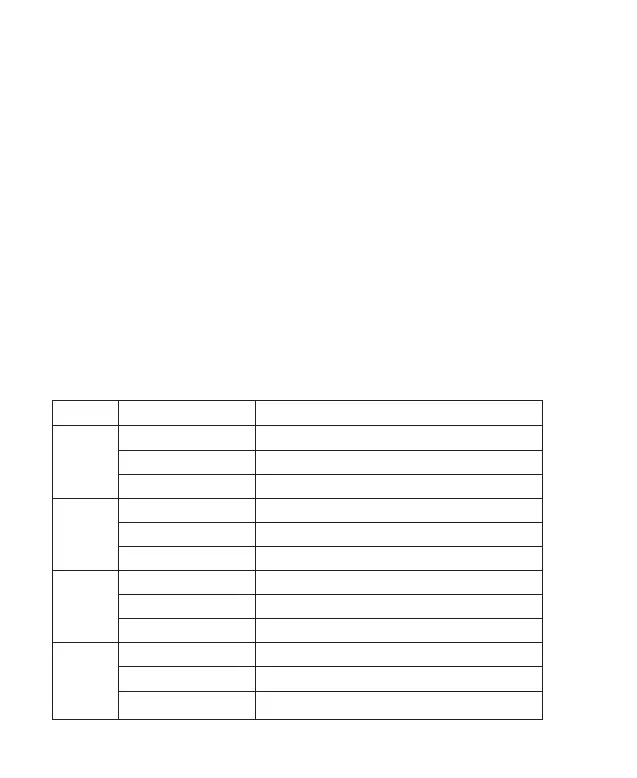
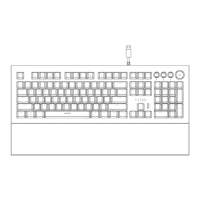
Here is a breakdown of what the control knobs do when in Media mode.
Note: When turning the knobs (left and right) to adjust speed, brightness, volume etc…
The 3 board LED’s located by the navigation arrows will flash once a knob has reached
its maximum turning value.
Function
Mute & Un-mute sound.
Switches the knobs to RGB control.
Increase/Decrease the volume level.
Previous song.
No media action.
No media action.
Play/pause the current song.
No media action.
No media action.
Next song.
No media action.
No media action.
Knob
Main
1
2
3
Action
Press & Release
Press & Hold
Turn (left/right)
Press & Release
Press & Hold
Turn (left/right)
Press & Release
Press & Hold
Turn (left/right)
Press & Release
Press & Hold
Turn (left/right)


 To Next Page