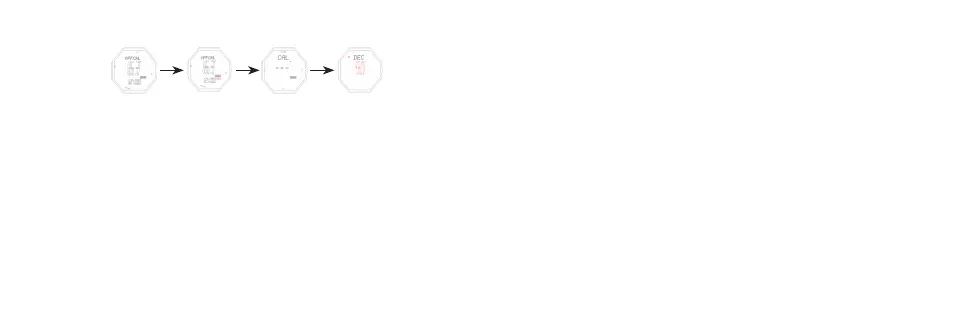
Compass adjust mode
B for 2s B B
Adjust Compass “HOLD” Flashes Set CAL Set DEC
Automatically adjust mode (CAL)
- In compass mode, keep pressing B for 2s to enter CAL, press E or C, then
turn the watch slowly, both clockwise and anti-clockwise are ok. This watch
will exit the correction mode automatically and return to compass measurement
mode aer simply turning two circles in the same direction. During compass
correction, aer 60 direction points illuminate and go out one by one sequentially,
it will confirm this correction automatically. (Note: Aer change baery and use
the compass for the first time, it will enter automatically adjust mode first)
Digital adjust mode (DEC)
- If you have a correct north,and aer DILE, it still deviate much,then use the DEC
to correction.
- In compass mode, keep pressing B for 2s to enter CAL, press B again to enter
DEC (press E to increase 1, C decease 1)
- The maximum correction angle range is ±90° (“W” “E”±90°)
- Press B for 2s to confirm the corrected value, and return to normal measurement
mode.



 To Next Page