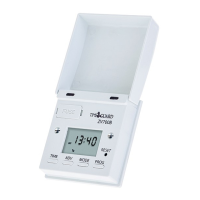
2. Reset (RST)
The unit must be reset before programming
for the first time or if the unit has been left
out of a live socket for more than 100 hours
(in which case plug the TG27 into a live
socket for four hours before resetting).
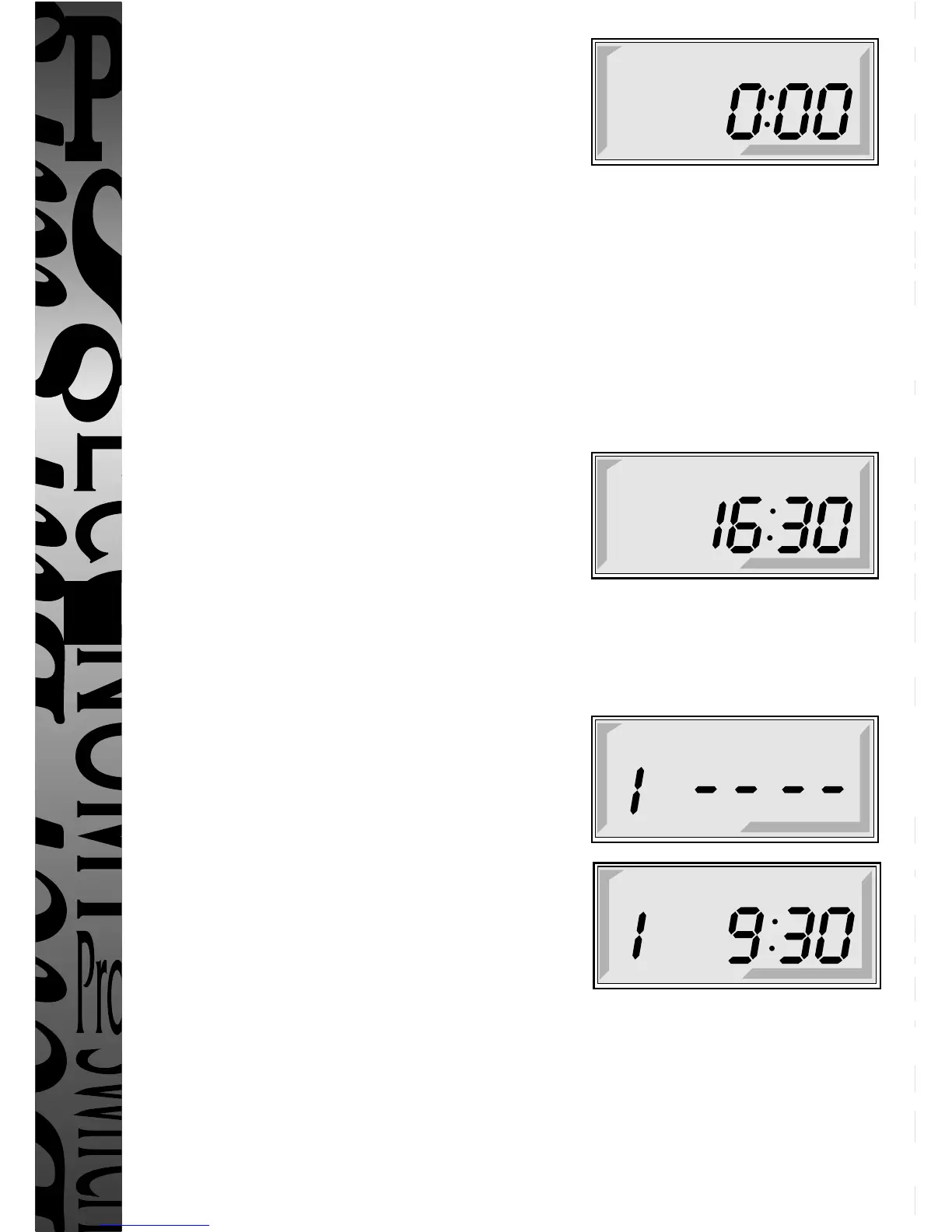
Press RST using a pointed object (eg a pencil). Display will show its full set of
characters and clear to show
3. Setting Clock
i Press and continually hold down “Time” button whilst pressing “Day”,
“Hr” and “Min” buttons to set the correct day and time. Note: Rapid selection
can be achieved by continually holding down either the “Hr” or “Min” buttons.
ii Release the “Time” button.
The unit is now in its operating mode and
displays the clock time and day of week with
the colon between the hours and minutes
flashing e.g.
4. Setting 24 Hr Programmes
Note: during programming if no button is pressed in approximately
2 minutes the display will revert to operating mode.
The required programme can then be
accessed again by repeatedly pressing
the “Prog” button as required.
i Press “Prog” button - display shows
ii Set programme 1 ON time by pressing
“Hr” and “Min” buttons eg
iii Press “Prog” button and now set programme
1 OFF time using the “Hr” and “Min” buttons.
THE UNIT IS NOW PROGRAMMED
FOR A 24 HOUR OPERATION OF 1 ON/1 OFF TIME REPEATING
DAILY INDEFINITELY.
iv Repeat steps i to iii for further programmes up to a total of 6 (it is not
necessary to use all 6 programmes but any unused programme times must be
left blank (–– –– –– ––).



 To Next Page