3
5. Setting or Adjusting Clock
Points to remember while setting time or programming:-
(Seconds display is not shown on diagrams for sake of clarity.)
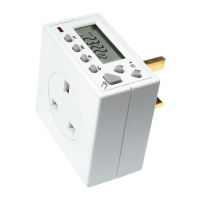
The → and ← buttons alter the days/day combinations, the hours, the
minutes and programme numbers/ON or OFF designation. The ←
button also initiates the programme sequence for Countdown CTD
mode. The → button also initiates the ON/OFF programme sequence
and achieves easy SUMMER/WINTER time change when pressed at the
same time as the TIME button.
The → button increases the above value which is flashing and the ←
button decreases it. If the particular value required is towards the end
of a sequence (eg 52 for minutes) pressing the ← button can get to it
quicker (from the 00 position).
The → or ← button can be held down to provide fast advance or
reverse.
The programming process is achieved by alternate use of the SET and
→ or ← buttons.
The setting sequence is as follows:-
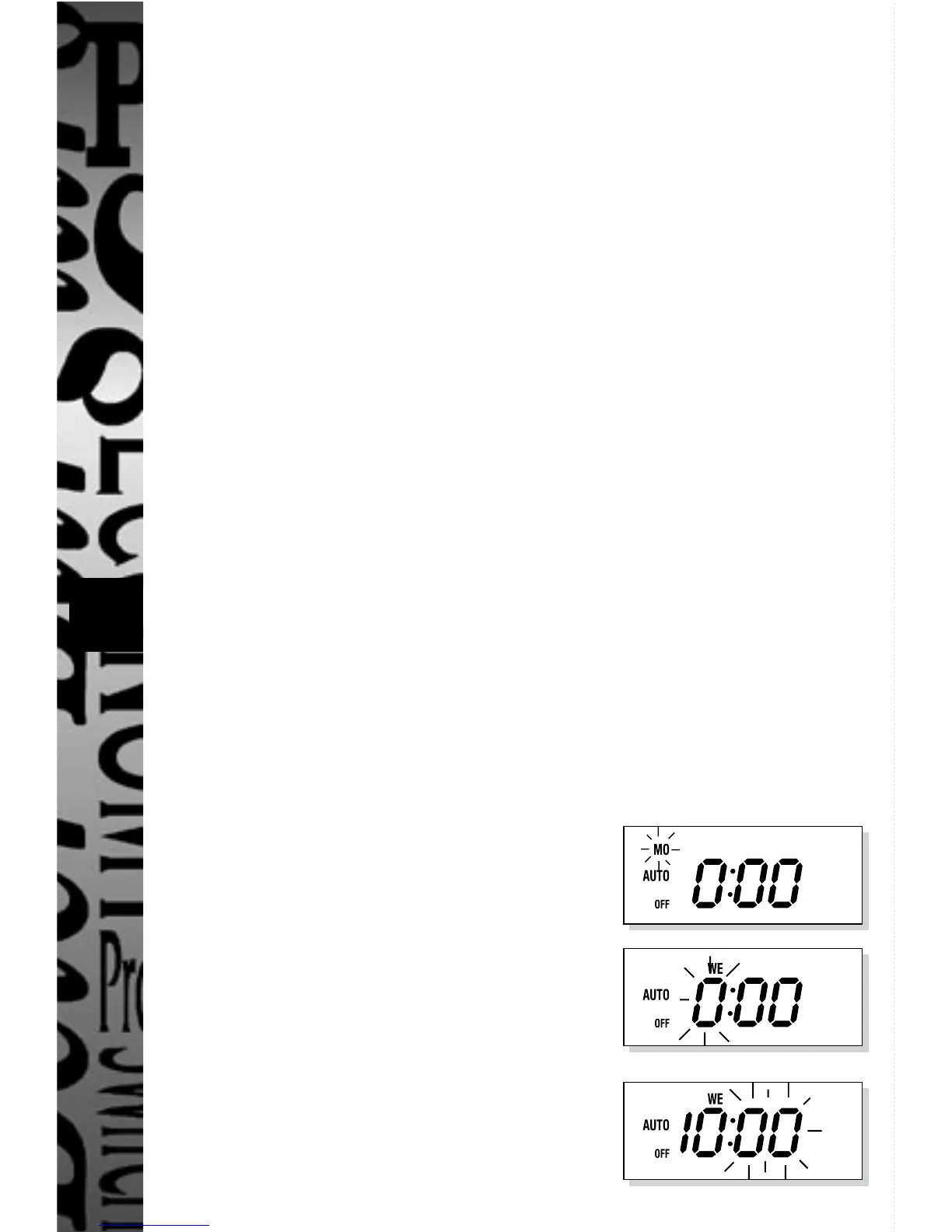
(example used is 10:52 WE being set from a reset condition (see section
4)) If you wish to use the easy Summer/Winter time changeover
described in section 13 please set the time to GMT (Winter time).
Press the SET button for approximately
4 seconds and the day symbol will flash.
Press → until the display shows WE.
Press SET, display shows:
Press → until the hour digits reach 10.
Press SET, display shows:


 To Next Page