5
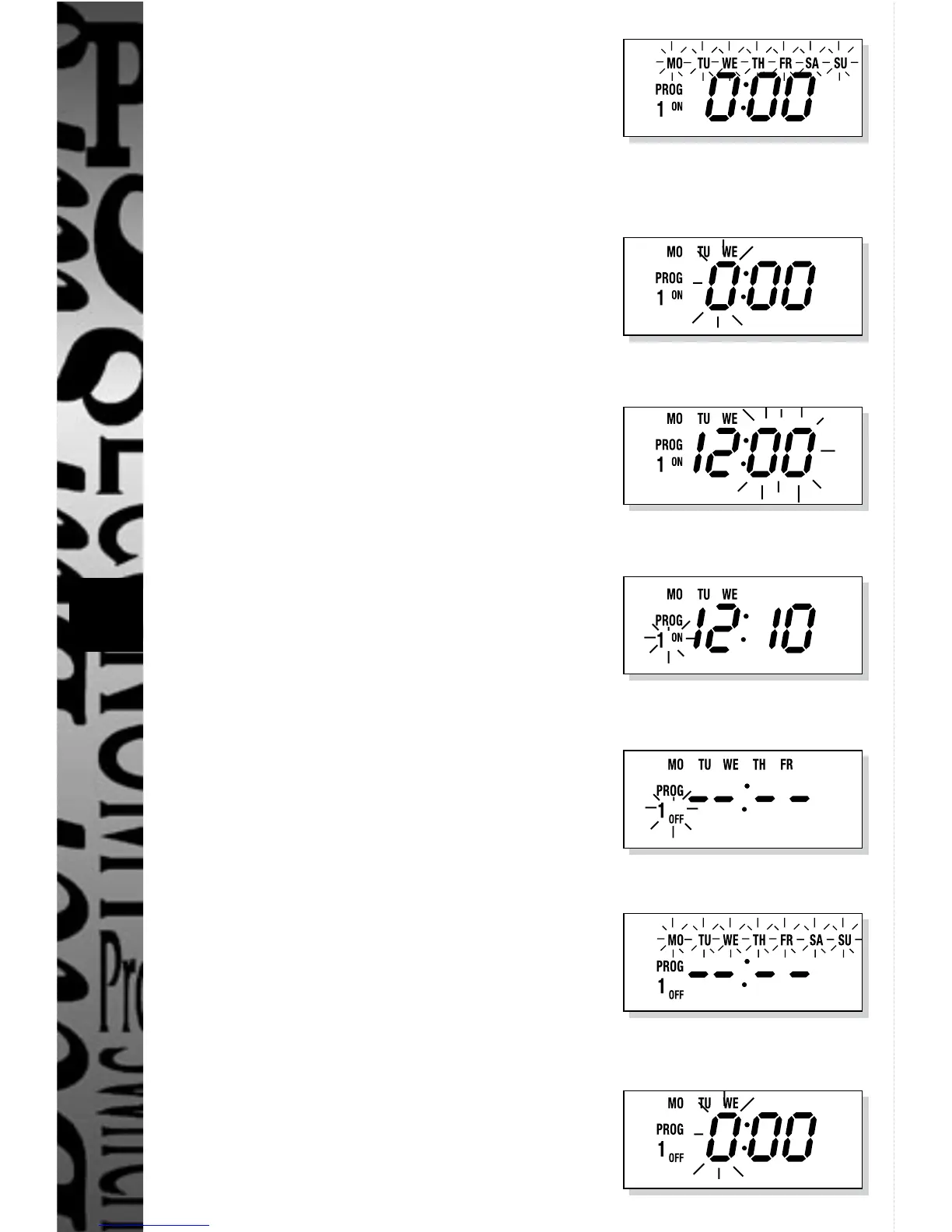
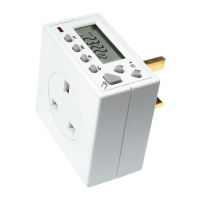
Press SET, display shows:
Press →, day(s) options change accordingly
to above sequence (to retrace the options
press ←) when required option is reached
(ie MO TU WE) then
Press SET, display shows:
Press →, hour digit(s) advance (to retrace
hours press ←) until 12 is reached then
Press SET, display shows:
Press →, minute digits advance (to retrace
minutes press ←) until 10 is reached then
Press SET, display shows:
Press →, display shows:
The OFF time and day(s) for the first
programme can now be set.
Press SET, display shows:
Press →, until day(s) option reaches
MO TU WE on the display
Press SET, display shows:


 To Next Page