Couple the probe with coupling agent with the test piece with the known
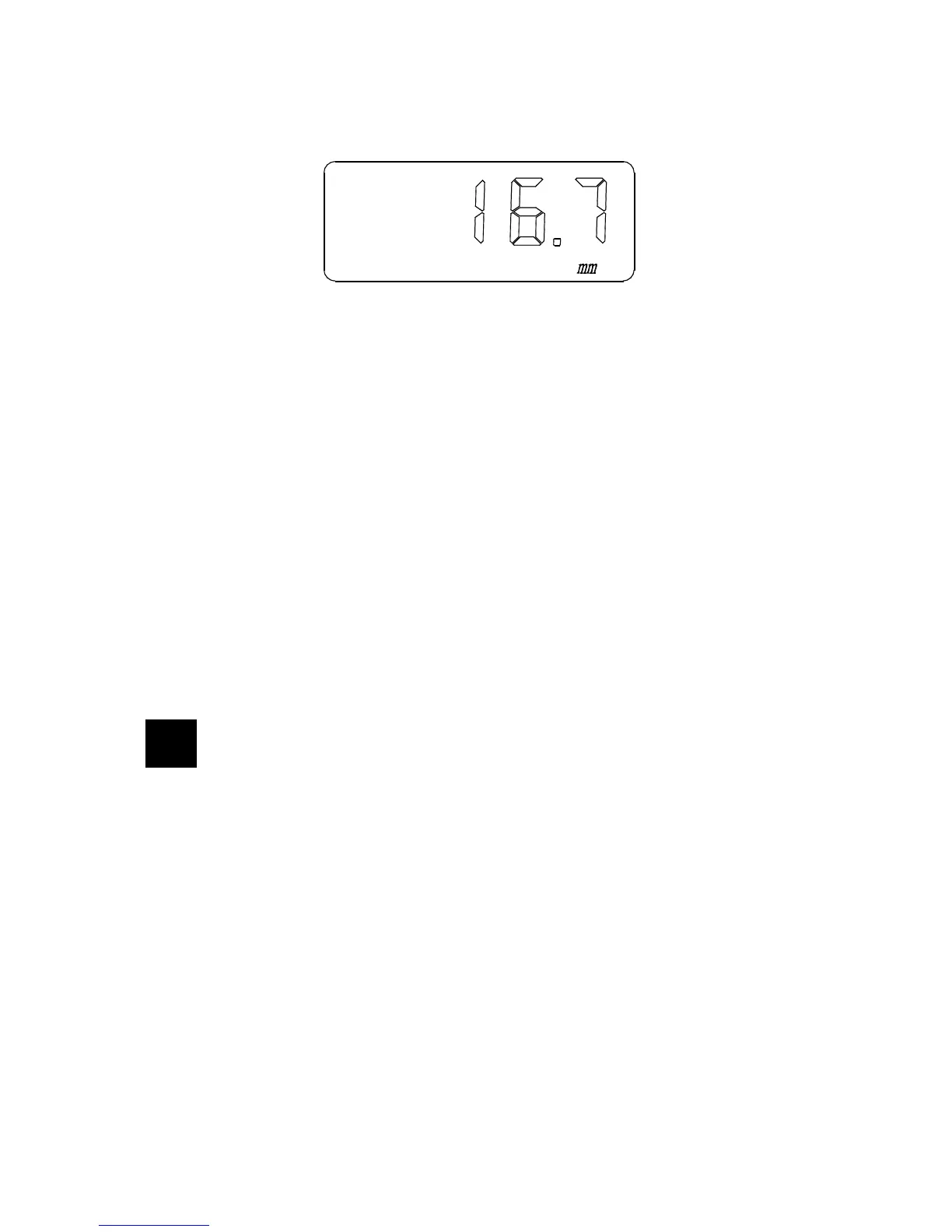
thickness until a (wrong) thickness value is displayed:
Remove the probe.
Use keys ▲-▼ to adjust the displayed thickness value to the actual known
thickness of the testing block, for example 25.0 mm:
16.7 > keys ▲-▼ > 25.0
mm mm
Now push the VEL-key. The correct sound velocity for this material will be
displayed, and at the same time this sound velocity will be stored in the
current sound velocity memory unit:
25.0 > VEL-key > 6368
mm m/s
Start new thickness measurements on the same material with this velocity.
5
Memory of thickness value
5.1 Thickness memory state
Set the right sound velocity for a new measurement (see chapter 4).
Push and hold VEL-key and then push the ZERO-key to enter into the thickness
memory state.
The display will show a memory unit of a certain thickness: Unit 1 up to Unit 9.
Use the upper and down keys ▲-▼ to look for the required unit:
U1 > U2 > U3 > …… > U9
7


 To Next Page