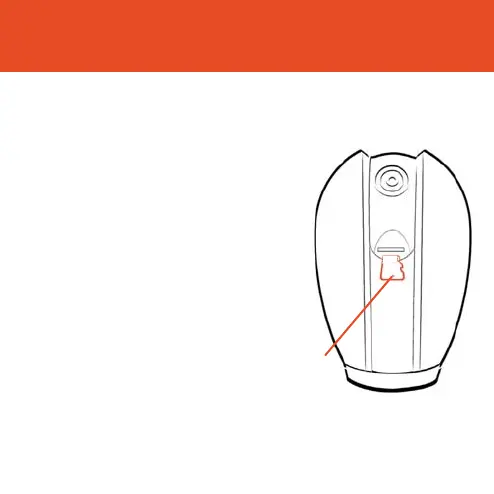
Add SD Card
If you would like Olivia to record, you will be required to insert a
Micro SD Card. Olivia will support any sized Micro SD Card up to 128GB
Step 1
7XUQRSRZHUWR2OLYLD
Step 2
Gently rotate the lens upwards
to locate the Micro SD Card slot.
Insert the card in to the slot far
enough for it to click into place
Step 3
Turn the power to Olivia back on
14
Micro SD
Card Slot



 To Next Page