Get Started
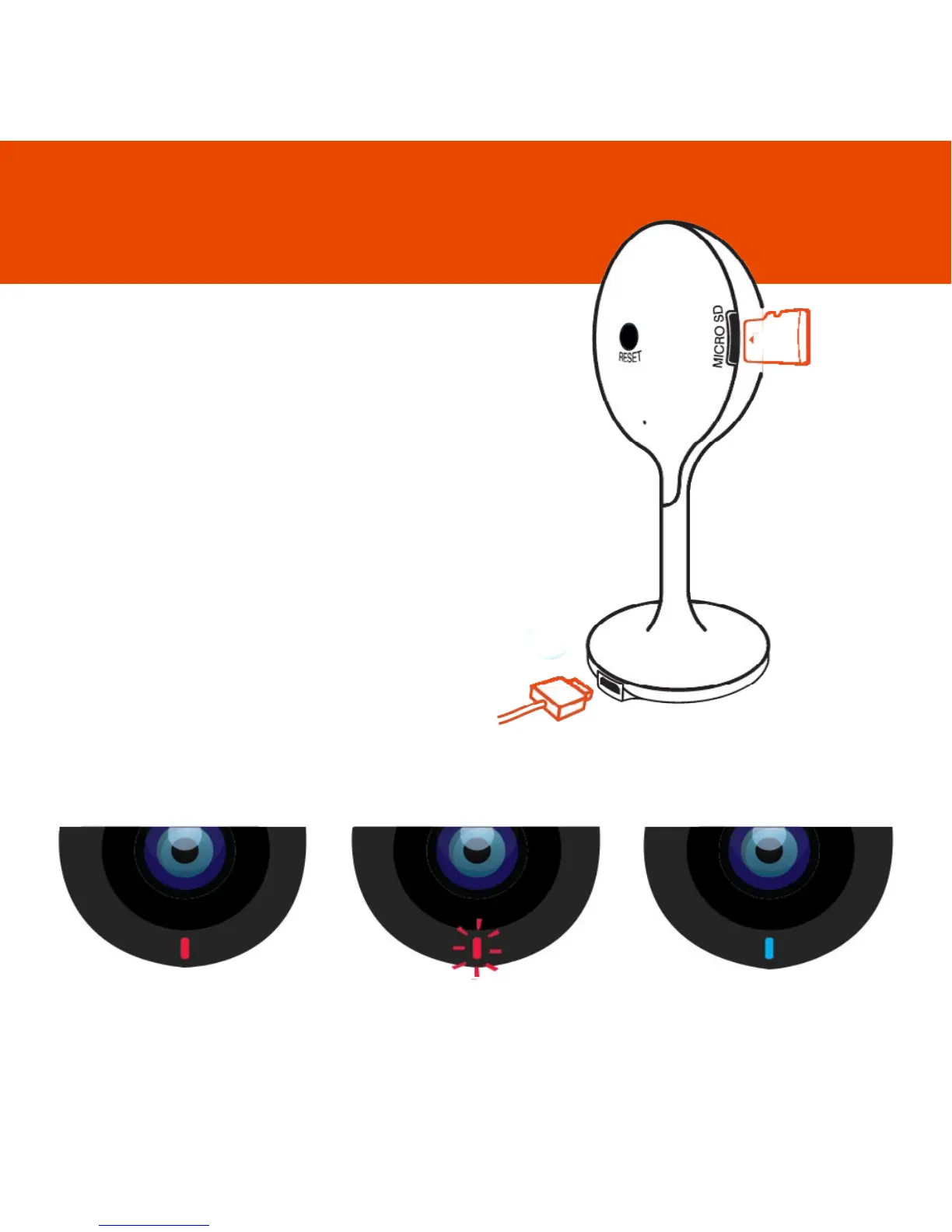
Connect Sophia to the mains
using the power adapter and
USB cable provided.
Ensure the USB cable is firmly
inserted into the base.
The red LED will come on once
plugged in and Sophia will chime
twice before she is ready to
connect.
To record you will need to add
a micro SD card. The camera
accepts cards up to 128GB.
What do the ashing lights mean?
Solid Red
Starting up
Flashing Red
Ready to connect
Solid Blue
Connected
2



 To Next Page