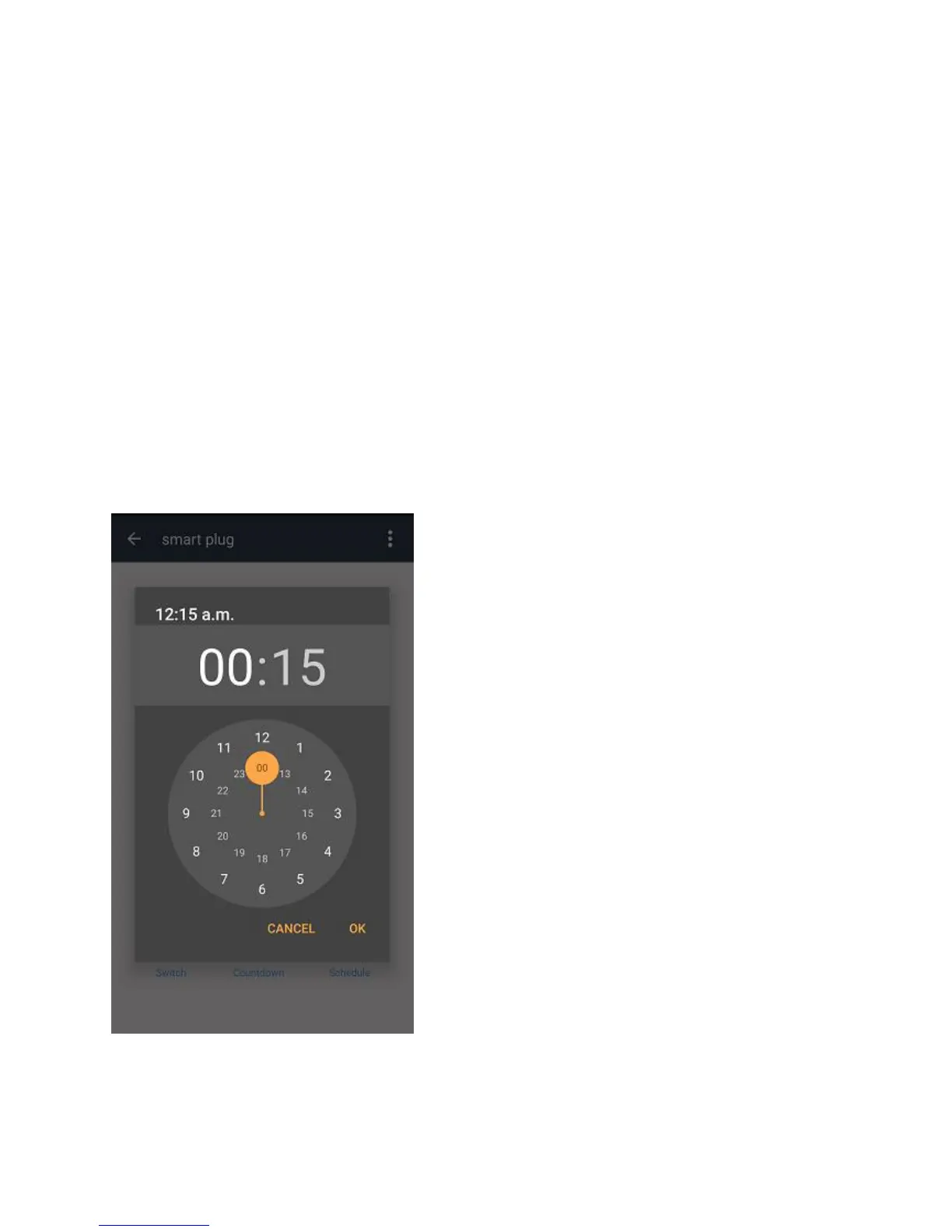
Using the Countdown Timer
1. Connect your mobile to a Wi-Fi or 3G/4G network
2. Open the SuperConn App, and select the WiFi Smart Socket you wish to control
from the main screen.
3. Select Countdown from the Options at the bottom
4. You have the option to select a pre-set time period or create your own time
period using the hour:min selector.
5. The Smart Socket will switch On/Off after the time period you selected.
A


 To Next Page