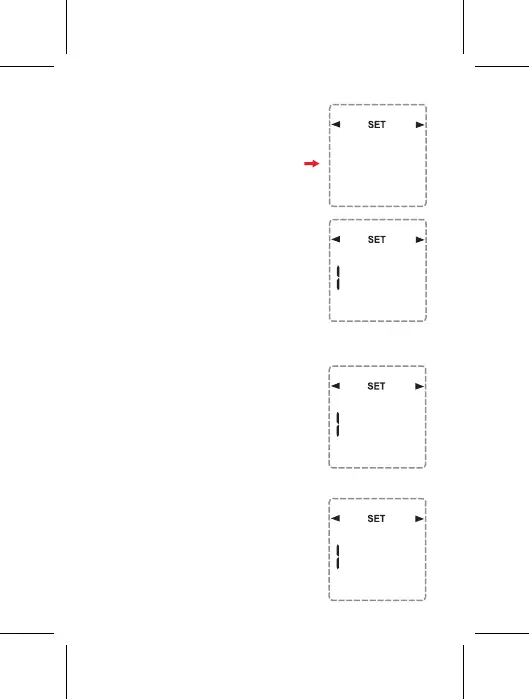
Prog
ON
--:--
10
9. SET THE ON/OFF EVENTS IN THE
PROGRAM YOU SELECTED
9.1 FIRST ON EVENT SETTING:
Press the ADV or BOOST buttons
to select the Hour that the ON event
will be performed. When finished,
press the Prog button to proceed to
the setting of Minute that the ON
event will be performed.
Press the ADV or BOOST buttons to
select the Minute that the ON event
will be performed. When finished,
press the Prog button to proceed to
the setting of the OFF event.
Daily program (each day)
setting up to 4 ON/OFF events for
each day differently in a week.
When you have finished selecting
the desired program, press the
Prog button. The screen will
display as shown.
Mo
Prog
ON
--:--
Su Mo
Tu We
Th Fr Sa
Prog
ON
1 0:--
Su Mo
Tu We
Th Fr Sa


 To Next Page