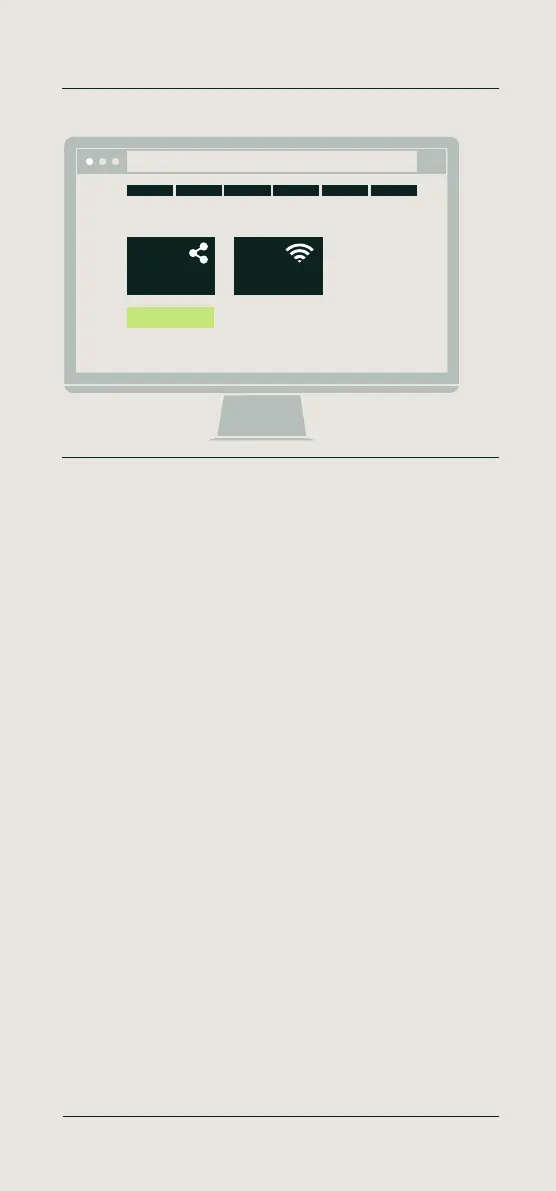
English - Finish the setup
Your TimeMoto device is now successfuly configured and will
automatically restart. Please wait until you see the ‘Register’ button turn
green. Click ‘Register’.
Deutsch - Setup abschließen
Ihr TimeMoto-Gerät ist nun erfolgreich konfiguriert und wird automatisch
neu gestartet. Bitte warten Sie, bis die Schaltfläche “Registrieren” grün
wird. Klicken Sie auf „Registrieren“.
Français - Terminez la configuration
Votre dispositif TimeMoto est maintenant entièrement configuré et va
redémarrer automatiquement. Veuillez patienter jusqu’à ce que le bouton
‘S’inscrire’ devienne vert.. Cliquez sur «Enregistrer».
Nederlands - De setup voltooien
U heb uw TimeMoto terminal nu succesvol geconfigureerd. Het apparaat
start automatisch opnieuw op. Wacht tot u de ‘Registreren’ knop groen
ziet worden. Klik op ‘Registreren’.
Español - Finalice la configuración
Su dispositivo TimeMoto se ha configurado correctamente y se reiniciará
automáticamente. Espere hasta que vea que el botón “Registrarse”
cambia a color verde. Haga clic en “”Registrar””.
Italiano - Completa la configurazione
Adesso il tuo dispositivo TimeMoto è configurato e viene riavviato
automaticamente. Attendete che il pulsante “Registra” diventi verde. Fai
clic sul pulsante “”Registra””.
12 Setup your device
Finish the setup
Register
Finishing the setup
http://192.168.8.1
More info, articles, tutorials & videos
TM1 and PC Plus Software: support.timemoto.com | TM2: help.timemoto.com



 To Next Page