54
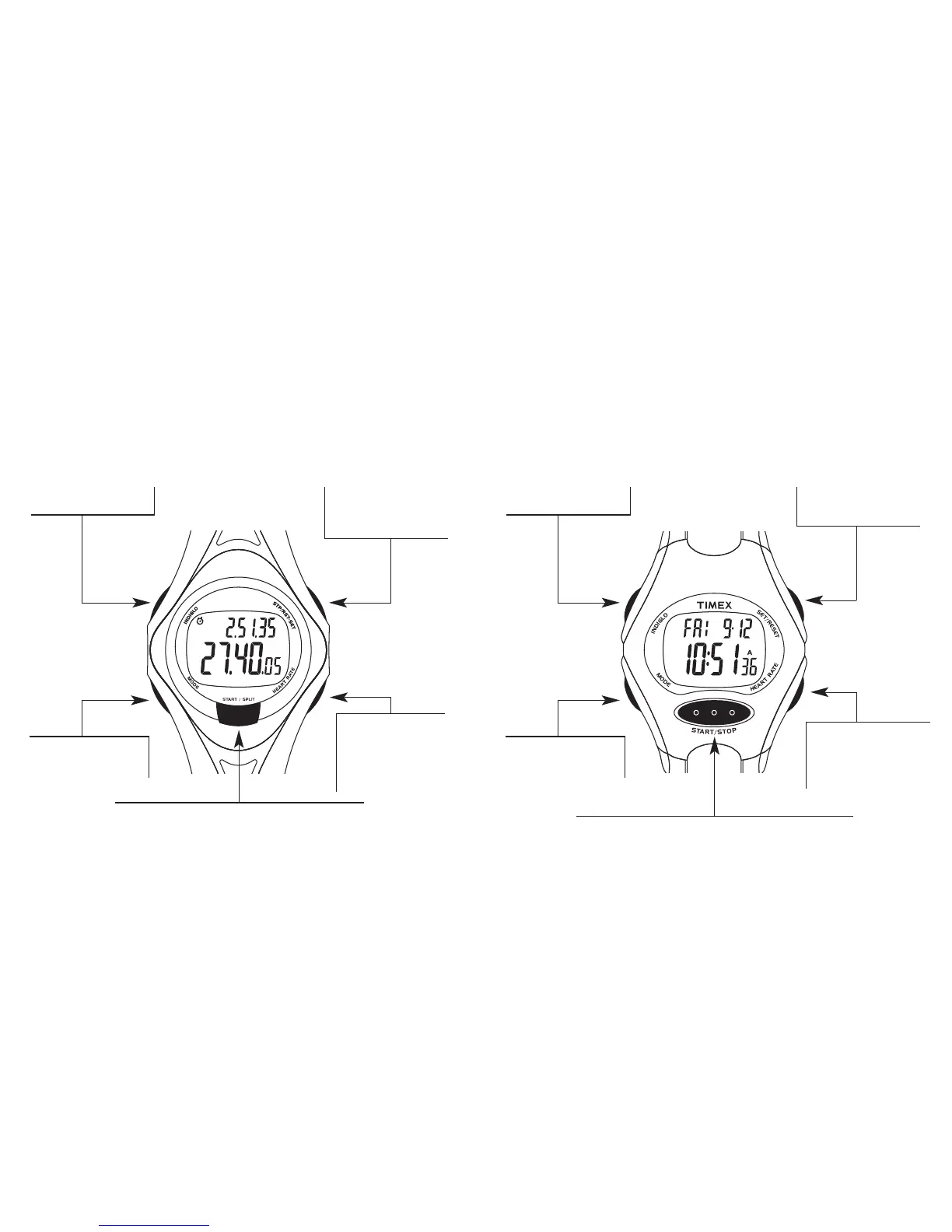
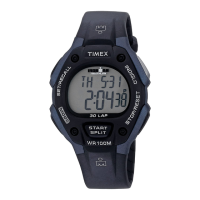
The 30-Lap Model
STOP/RESET/SET Button –
Stop or reset the
Chronograph or Timer; hold
to begin setting.
INDIGLO
®
Button –
Illuminate the watch display.
HEART RATE Button –
Turn the Heart Rate
Monitor on or off; also,
change the HRM data
format when the Heart
Rate Monitor is on.
MODE Button – Press and
release to go to the next
mode.
START/SPLIT Button – Start Chronograph or Timer; peek
at the second Time Zone in Time of Day.
SET/RESET - Reset the
Timing feature; hold to
begin setting.
The Fitness Model
HEART RATE Button – Turn
the heart rate monitor on or
off; change HRM data
position when heart rate
monitor is on.
START/STOP Button – Start or stop the Timing feature.
INDIGLO
®
Button –
Illuminate the watch display.
MODE Button – Press and
release to go to the next
mode.


 To Next Page