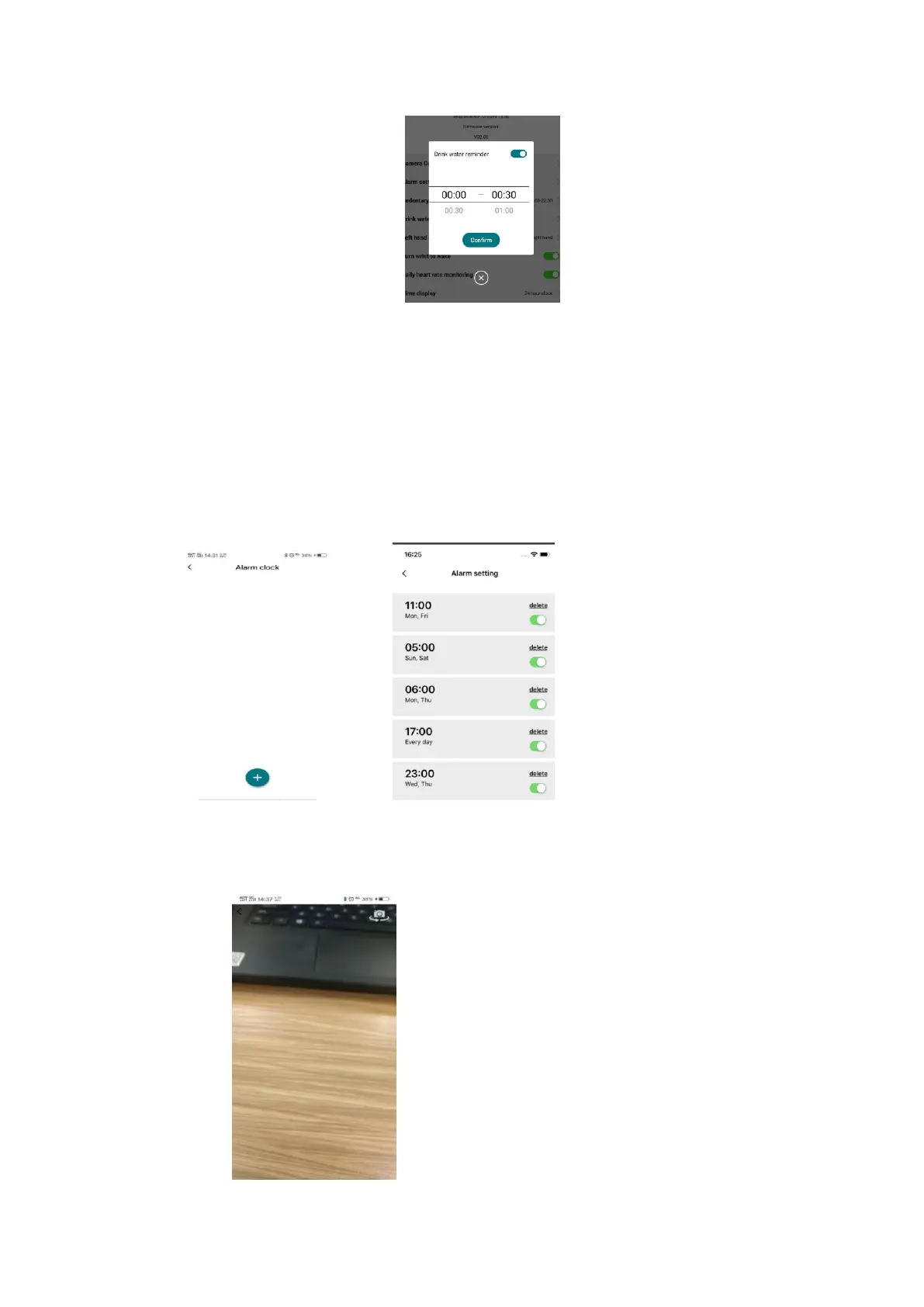
The watch will show a drink icon and vibrate to remind the user to drink every 30
minutes.
Alarm Setting
After connecting to the phone, enter the “Pair my watch” -> “Alarm setting”, add
the new alarm; The watch will vibrate when the preset alarm time is reached. The
alarm clock can be set daily or the day of a week, and you can create up to 5 alarm
clocks.
Remote Camera control
After connecting to the phone, enter Pair my watch -> “Camera control” . The phone
will enter camera UI automatically. Rotate wrist to trigger photo taking by the watch.







 To Next Page