2
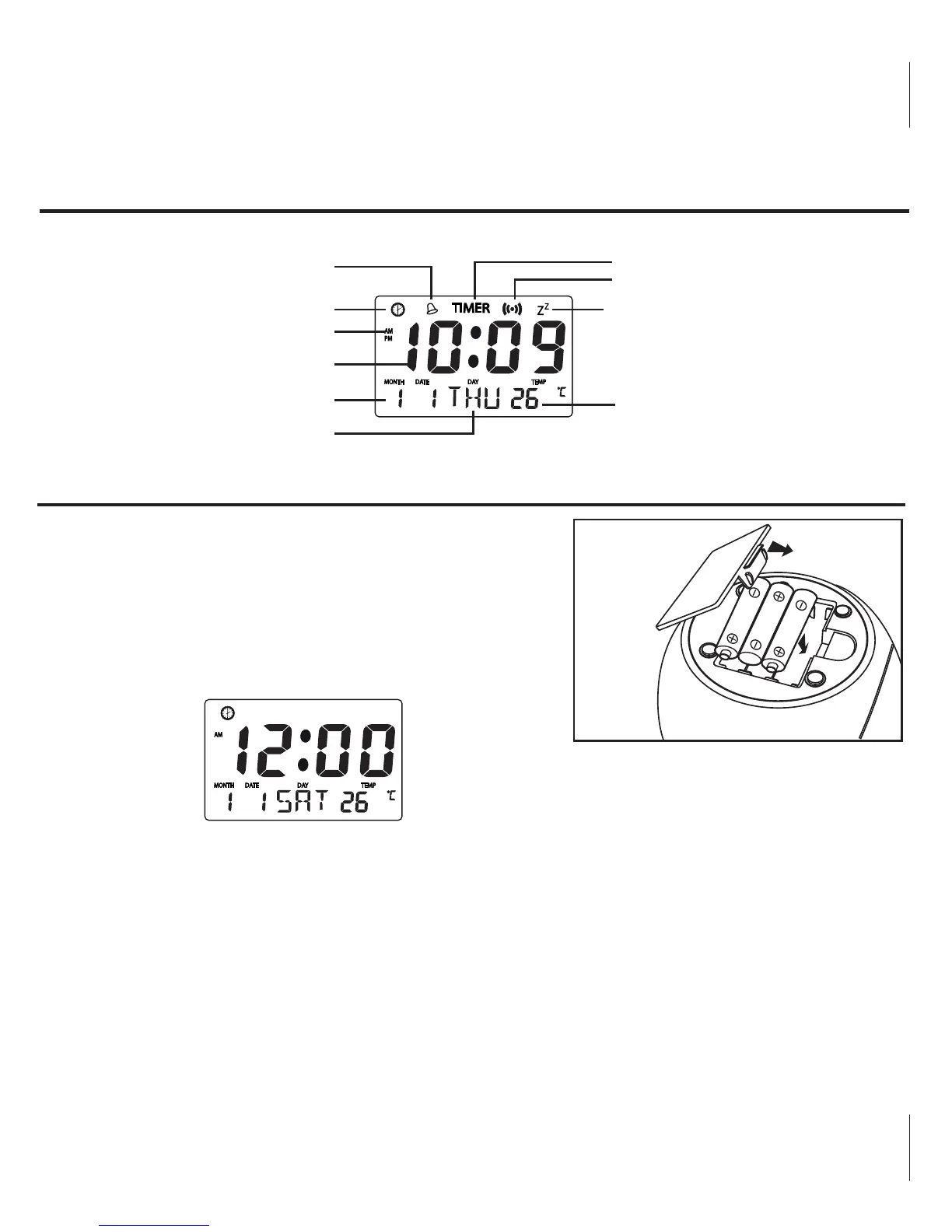
Main Display
Current Time Indicator
Alarm Time Indicator
TIMER Indicator
Alarm ‘ON’ Indicator
Snooze ‘ON’ Indicator
AM/PM Indicators
Time and Alarm Time Display
Month/Date Display
Day Indicator
Indoor Temperature Display
Installing the Batteries
• Press down on the battery door locking tab and remove the door.
• Install 3 fresh alkaline “AAA” batteries in the compartment. Be sure to
follow the polarity (+ / - ) markings engraved in the battery compartment.
If the batteries are inserted incorrectly the unit will not work.
• Replace the battery door.
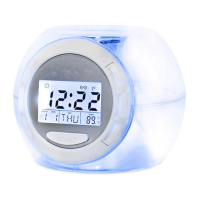
When the batteries are installed for the first time the clock will 'beep' once
and the display will appear as shown below:"


 To Next Page