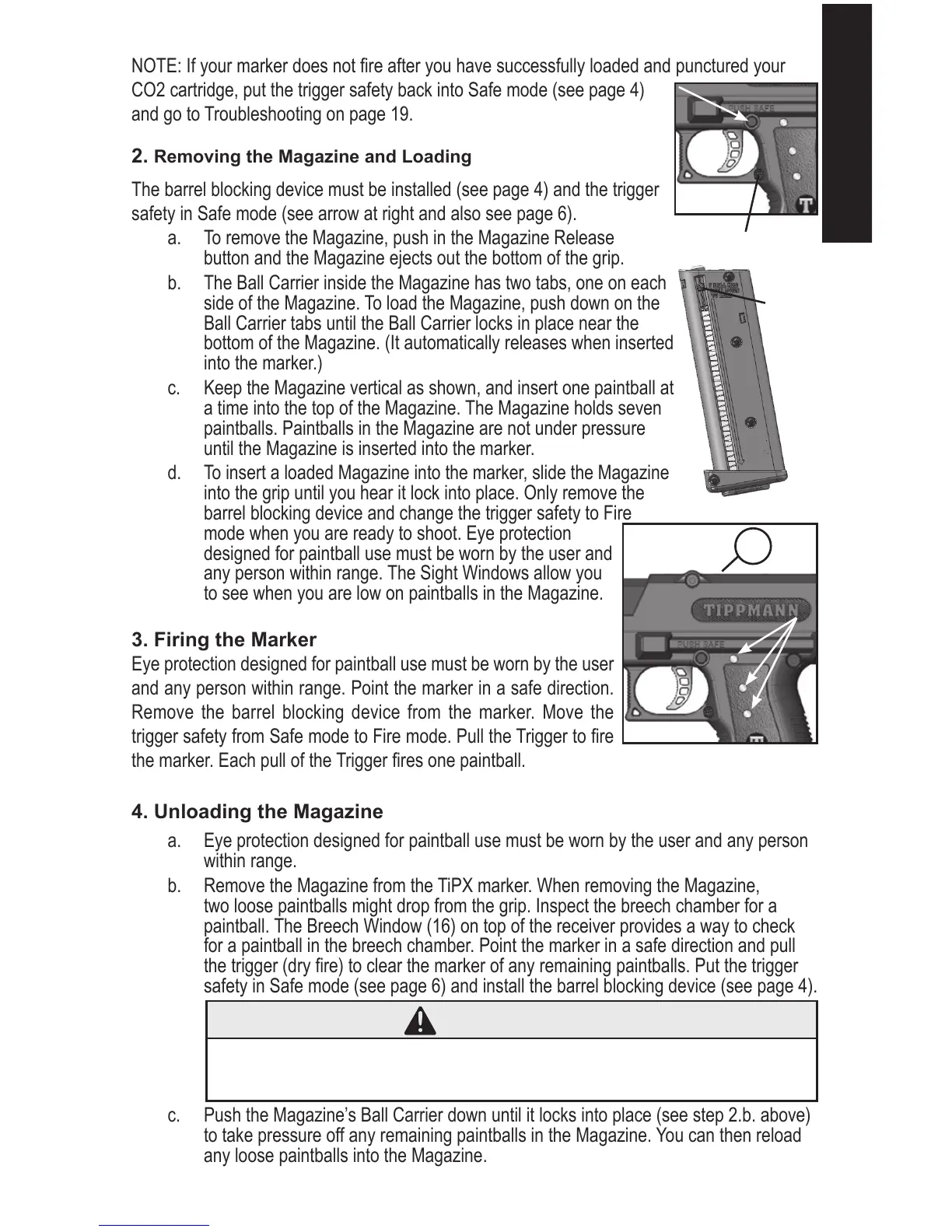
NOTE: If your marker does not re after you have successfully loaded and punctured your
CO2 cartridge, put the trigger safety back into Safe mode (see page 4)
and go to Troubleshooting on page 19.
2. Removing the Magazine and Loading
The barrel blocking device must be installed (see page 4) and the trigger
safety in Safe mode (see arrow at right and also see page 6).
a. To remove the Magazine, push in the Magazine Release
button and the Magazine ejects out the bottom of the grip.
b. The Ball Carrier inside the Magazine has two tabs, one on each
side of the Magazine. To load the Magazine, push down on the
Ball Carrier tabs until the Ball Carrier locks in place near the
bottom of the Magazine. (It automatically releases when inserted
into the marker.)
c. Keep the Magazine vertical as shown, and insert one paintball at
a time into the top of the Magazine. The Magazine holds seven
paintballs. Paintballs in the Magazine are not under pressure
until the Magazine is inserted into the marker.
d. To insert a loaded Magazine into the marker, slide the Magazine
into the grip until you hear it lock into place. Only remove the
barrel blocking device and change the trigger safety to Fire
mode when you are ready to shoot. Eye protection
designed for paintball use must be worn by the user and
any person within range. The Sight Windows allow you
to see when you are low on paintballs in the Magazine.
3. Firing the Marker
Eye protection designed for paintball use must be worn by the user
and any person within range. Point the marker in a safe direction.
Remove the barrel blocking device from the marker. Move the
trigger safety from Safe mode to Fire mode. Pull the Trigger to re
the marker. Each pull of the Trigger res one paintball.
4. Unloading the Magazine
a. Eye protection designed for paintball use must be worn by the user and any person
within range.
b. Remove the Magazine from the TiPX marker. When removing the Magazine,
two loose paintballs might drop from the grip. Inspect the breech chamber for a
paintball. The Breech Window (16) on top of the receiver provides a way to check
for a paintball in the breech chamber. Point the marker in a safe direction and pull
the trigger (dry re) to clear the marker of any remaining paintballs. Put the trigger
safety in Safe mode (see page 6) and install the barrel blocking device (see page 4).
c. Push the Magazine’s Ball Carrier down until it locks into place (see step 2.b. above)
to take pressure off any remaining paintballs in the Magazine. You can then reload
any loose paintballs into the Magazine.


 To Next Page