EasyManua.ls Logo

Titan TTB777VAC - User Manual

Titan TTB777VAC
40 pages
Print Icon
To Next Page IconTo Next Page
Loading...
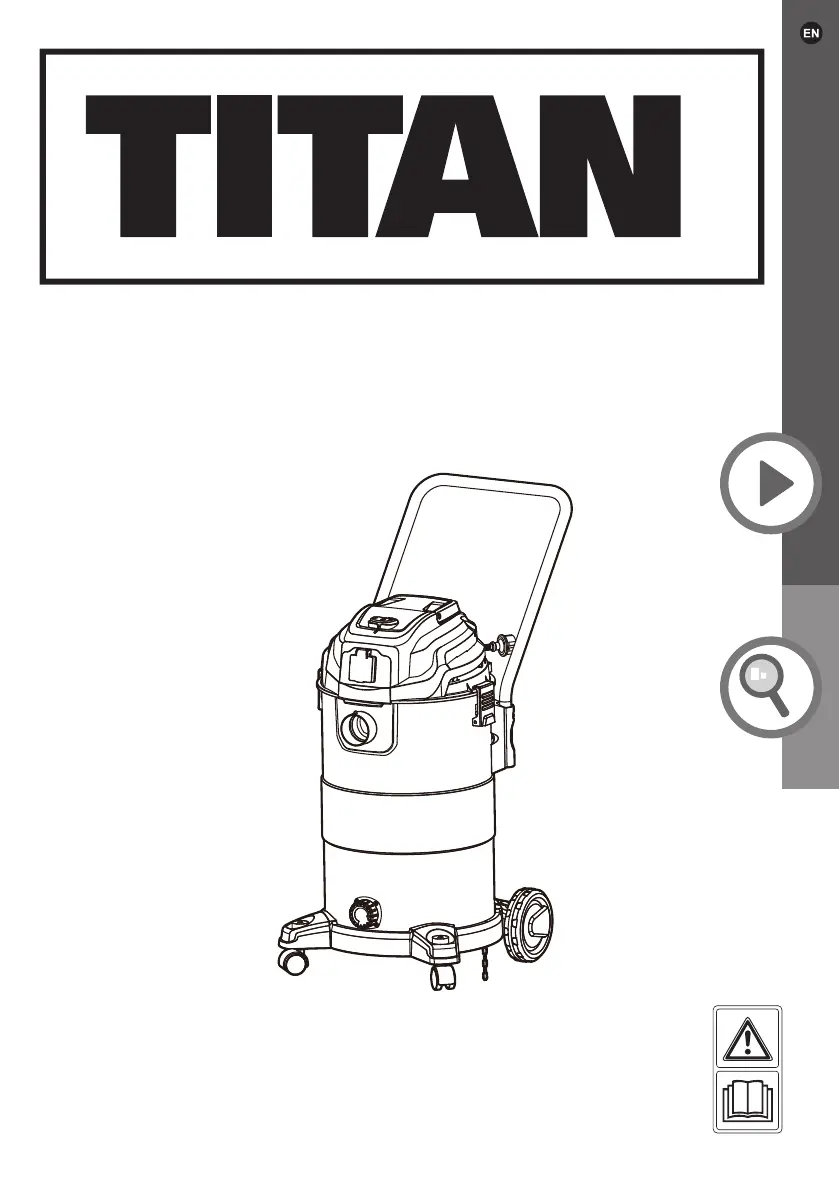
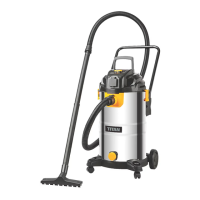
Wet/Dry Vacuum
Cleaner 1500 W
TTB777VAC
Original Instructions_MNL_TTB777VAC_GB
EAN: 5059340106229
WARNING: Read the instructions before using the product!
BX220IM

Questions and Answers

  • B
    Bridget GreeneAug 4, 2025
    Why is my Titan TTB777VAC Vacuum Cleaner not retaining dust?
    • F
      Felicia MooreAug 4, 2025
      If dust isn't being retained in your Titan Vacuum Cleaner during dry vacuuming, it might be due to: * A worn dust bag or dust filter. Replace it with a new, suitable part. * The dust bag or cartridge filter is not properly attached. Check and re-attach it properly. * A defective attachment, extension tube, hose, handle, or air inlet. Replace the involved part with a new, suitable one.
  • S
    Scott OwensAug 9, 2025
    What to do if my Titan TTB777VAC stops picking up dust or water?
    • S
      Sean HardinAug 9, 2025
      If your Titan Vacuum Cleaner stops picking up dust or water, it might be because the safety valve is activated, or there's too much water in the tank. Let the product cool down and then drain the excess water from the tank.
  • T
    Theodore JonesAug 13, 2025
    Why Titan TTB777VAC does not start?
    • D
      Dalton OsborneAug 13, 2025
      The Titan Vacuum Cleaner might not start due to several reasons: * It is not connected to a power supply. In this case, connect it to a power supply. * The power cord or plug is defective. If so, have it checked by a specialist electrician. * There may be another electrical defect in the product. Have it inspected by a specialist electrician.
  • R
    richard21Aug 18, 2025
    What to do if my Titan TTB777VAC does not reach full power?
    • J
      Jesse RitterAug 18, 2025
      If your Titan Vacuum Cleaner isn't reaching full power, it could be due to: * An unsuitable extension cord. Try using a proper extension cord. * A power source with too low voltage (e.g., a generator). Connect the vacuum to another power source. * Blocked air vents, air inlet, or air outlet. Clean these components to ensure proper airflow. * Activated safety valve or too much water in the tank. Drain the excess water from the tank.
  • C
    Christopher GriffithAug 25, 2025
    How to fix unsatisfactory results with Titan TTB777VAC Vacuum Cleaner?
    • L
      Larry AndersonAug 25, 2025
      If you're experiencing unsatisfactory results with your Titan Vacuum Cleaner, consider the following: * The attachment may not be suitable for the working surface. Use a proper attachment. * The dust bag may be full. Replace it with a new one. * The dust bag may be damaged. Replace it with a new one. * The cartridge filter may be damaged. Replace it with a new cartridge filter. * The attachment, extension tube(s), or hose may not be properly connected. Check and reconnect the involved part(s). * The attachment, extension tube(s), hose, handle, or air inlet may be blocked. Remove the blockage(s). * The attachment, extension tube(s), hose, handle, or air inlet may be defective. Replace the involved part with a new one.
  • L
    Lee HornAug 29, 2025
    Why Titan TTB777VAC Vacuum Cleaner has excessive vibration or noise?
    • O
      oramirezAug 29, 2025
      Excessive vibration or noise in your Titan Vacuum Cleaner can be caused by: * Attachment / extension tube(s) / hose not properly connected. Check and re-connect them. * Loose screws/bolts/nuts on the handle or wheels. Tighten the screws/bolts/nuts.

Summary

Guarantee Information

Product Guarantee Details

Information on the 2-year guarantee, its exclusions, and statutory rights for the product.

Getting Started Guide

Safety Information Overview

Introduction to safety guidelines and warnings for product use.

Product and Technical Data

Overview of product components and technical specifications.

Operational Section Index

Index of sections covering product functions, operation, and maintenance.

Safety Information

General Safety Warnings

Crucial safety instructions for operation, handling, and maintenance to prevent hazards.

Specific Hazard Warnings

Warnings related to fire, dust, liquids, electrical safety, and storage conditions.

Preparation and Operational Safety

Guidelines for workspace preparation, safe operation, and handling.

Operational Precautions and Recommendations

Precautions for product operation, including stopping, cleaning, and lighting.

Electrical Safety and Emergency Procedures

Safety measures for electrical components and steps to take in emergencies.

Residual Risks and Dust Hazards

Understanding residual risks and managing construction dust hazards for health.

Dust Health Effects and Reduction

Information on health risks from dust and ways to minimize exposure.

Chemicals in Dust and Exposure Control

Details on hazardous chemicals in dust and methods to reduce exposure risks.

Symbols and Abbreviations

Operational Symbols and Compliance Marks

Understanding operational symbols, CE, WEEE marks, and rating label explanation.

Your Product

Product Components Diagram

Illustrated diagram identifying all parts of the vacuum cleaner.

Technical Specifications

Parts List and Technical Data

Detailed list of product parts and their technical specifications.

Before You Start

Unpacking and Initial Preparation

Steps for unpacking, checking contents, and initial preparation.

Included Accessories List

List and identification of accessories provided with the product.

Accessory Application Guide

Guidance on using different accessories for specific cleaning tasks.

Tank and Castor Assembly

Instructions for assembling the tank and attaching the castors.

Wheel and Handle Assembly

Steps for attaching rear wheels and the push/pull handle to the unit.

Final Handle Installation

Detailed steps for inserting and securing the push/pull handle.

Operational Configuration for Tasks

How to configure the product for dry, wet vacuuming, and blowing tasks.

Dust Collection and Blowing Setup

Instructions for assembling the dust bag and cartridge filter.

Wet Vacuuming and Hose Setup

Setting up for wet vacuuming and attaching the hose for suction.

Blowing Mode Hose Attachment

Instructions for attaching the hose for blowing operations.

Connecting to Power Supply

Steps for safely connecting the product to the power supply.

In More Detail

Product Functions Explained

Detailed explanation of the product's capabilities and intended uses.

Operating the Vacuum Cleaner

Guidance on how to operate the vacuum cleaner for various tasks.

Maintenance and Care Procedures

Instructions for cleaning, maintaining, and servicing the product.

Troubleshooting Common Issues

Solutions for common problems and malfunctions encountered with the product.

Recycling and Disposal Information

Information on proper disposal and recycling of the product and its components.

Product Functions

Intended Use and Limitations

Details on the product's designed applications and what it should not be used for.

Dust Bag Installation and Care

Instructions for using and replacing the dust bag for dry vacuuming.

Cartridge Filter for Dry Use

How to use, clean, and maintain the cartridge filter for dry operations.

Foam Sleeve for Wet Use

Instructions for using and cleaning the foam sleeve for wet vacuuming.

Safety Valve and Power Controls

Information on the safety valve and how to switch the product on and off.

Operation

General Operation Guidelines

Basic checks and practices for operating the vacuum cleaner safely.

Vacuuming Techniques

Steps and techniques for effective dry and wet vacuuming.

Wet Vacuuming Process

Detailed steps for wet vacuuming, including water level and tank emptying.

Blowing Functionality Guide

Instructions for using the product as a blower for light tasks.

Synchro Socket for Power Tools

How to use the synchro socket for connecting power tools.

Auto Tool Triggering and Post-Use

Using the auto trigger and steps to take after operation.

Care and Maintenance

General Cleaning and Upkeep

Essential guidelines for keeping the product clean and well-maintained.

Clearing Blockages Safely

Instructions on how to safely clear any blockages in the product.

Dust Bag Replacement and Care

Procedures for replacing and maintaining the dust bag.

Cartridge Filter Cleaning and Replacement

Steps for cleaning and replacing the cartridge filter.

Spare Parts and Plug Safety

Information on obtaining spare parts and replacing the UK power plug.

Product Storage and Transportation

Guidelines for storing and transporting the product safely.

Troubleshooting

Resolving Performance Issues

Addressing issues like poor suction, excessive vibration, or noise.

Recycling and Disposal

Titan TTB777VAC Specifications

General IconGeneral
Power1600 W
Dust Capacity3 L
Cord Length5 m
Filter TypeHEPA
ModelTTB777VAC
CategoryVacuum Cleaner
Noise Level80 dB
Capacity3 L
ColorBlue

Related product manuals