English
131
Maintenance of the main unit
Cleantheentireunitoccasionallybyremovingdust,debrisandoils.Occasionallyremovetheush
cutting bottom plate; then remove any cutting chips that remain lodged in the area the cutting blade
rotated.
It is also recommended that the cutting blade be removed and inspect for any materials that did not
exit out the chip exhaust area. This should be done after 4-8 hours of use. Most material cutting
chips would normally exit out the chip exhaust area and into the bag. It is recommended that the bag
be emptied when it becomes 2/3 full of cut material.
Troubleshooting - charger
• If the LED lamp does not work.
◦ Check connection of power cord into the outlet.
◦ Check the cleanliness of power cord and battery terminal.
◦ Insert another battery to check the charger working normally.
• ThegreenLEDickeringwhenthebatteryisapplied.
◦ Low temperature: Let stand at room temperature until normal temperature.
If checking does not solve the problem, please contact Kyocera Unimerco Fastening or an authori-
zed service center nearest you.
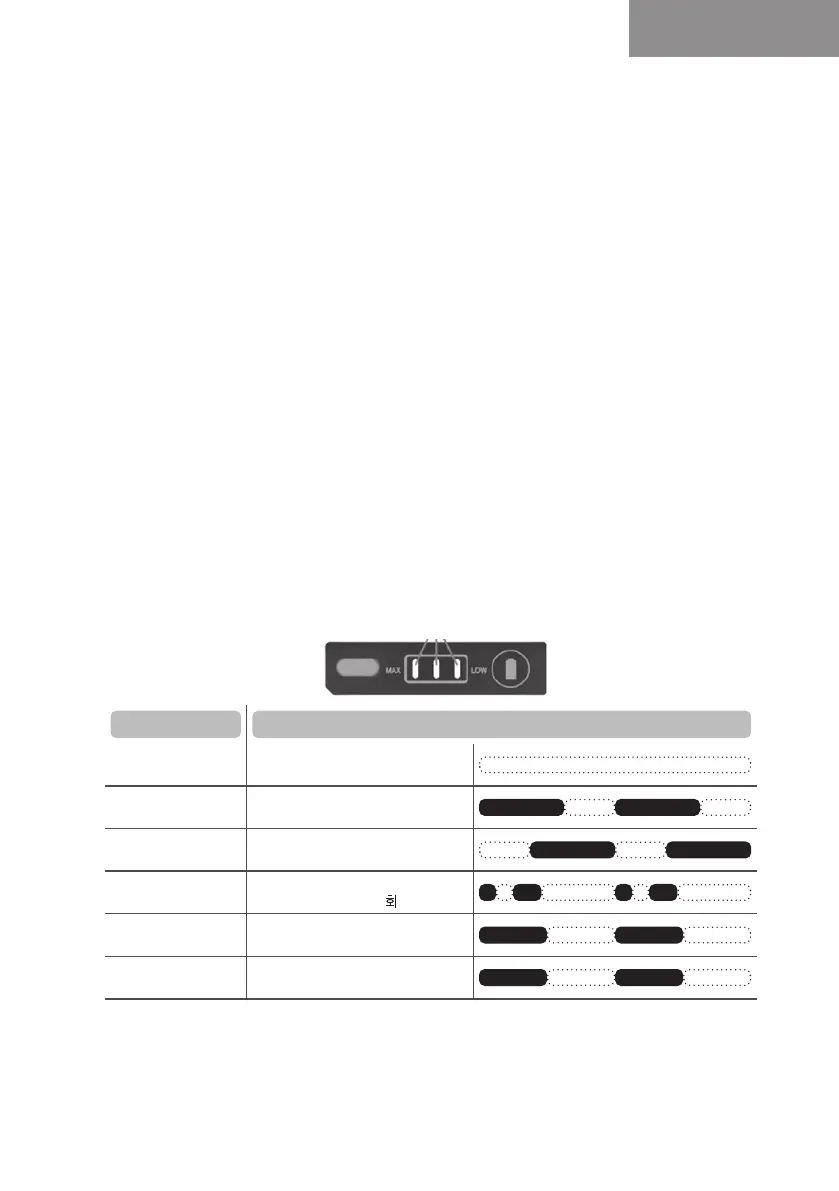
Abnormal display mode function - charger
In case of abnormal mode during operation, the battery capacity indicator LED light
shows the current status of the tool.
LEDoperationautomaticallyturnsoafter10seconds.
Symptoms LED indicator
Terminal contact
failure
LEDo
High temperature
battery protection
LED3space;On0.7s/O0.3s
High temperature
switch protection
LED3space;On0.3s/O0.7s
Overcurrent
shutdown
LED3space;On0.05s/O0,1s
On0.2s/O0,65s(2 ashing)
Motor sensor
recognition error
LED3space;On0.5s/O0.5s
Undervoltage battery
protection
LED1space;On0.5s/O0.5s
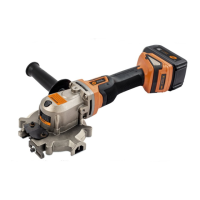
TJEP RC20A/RC30A blade
The blade for the TJEP RC20A/RC30A Rod Cutter should be replaced when the blade is dull or
chipped and a noticeable increase in cutting time has occurred.
To change the blade, remove battery, remove the 4 screws (pos. 1) that hold the blade cover to the
body (4). Remove the cover (pos. 2) and unscrew the 4 bolts (pos. 3) holding the blade to the hub.


 To Next Page
 Loading...