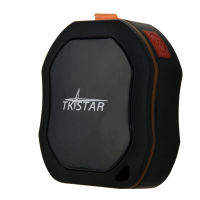
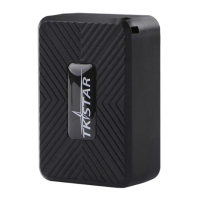
2.Quick using
1) insert the SIM card to in gps tracker
2) tracker Insert in the Car OBD interface, drive car to the outdoor
3 )use mobile phone call the device and hang up
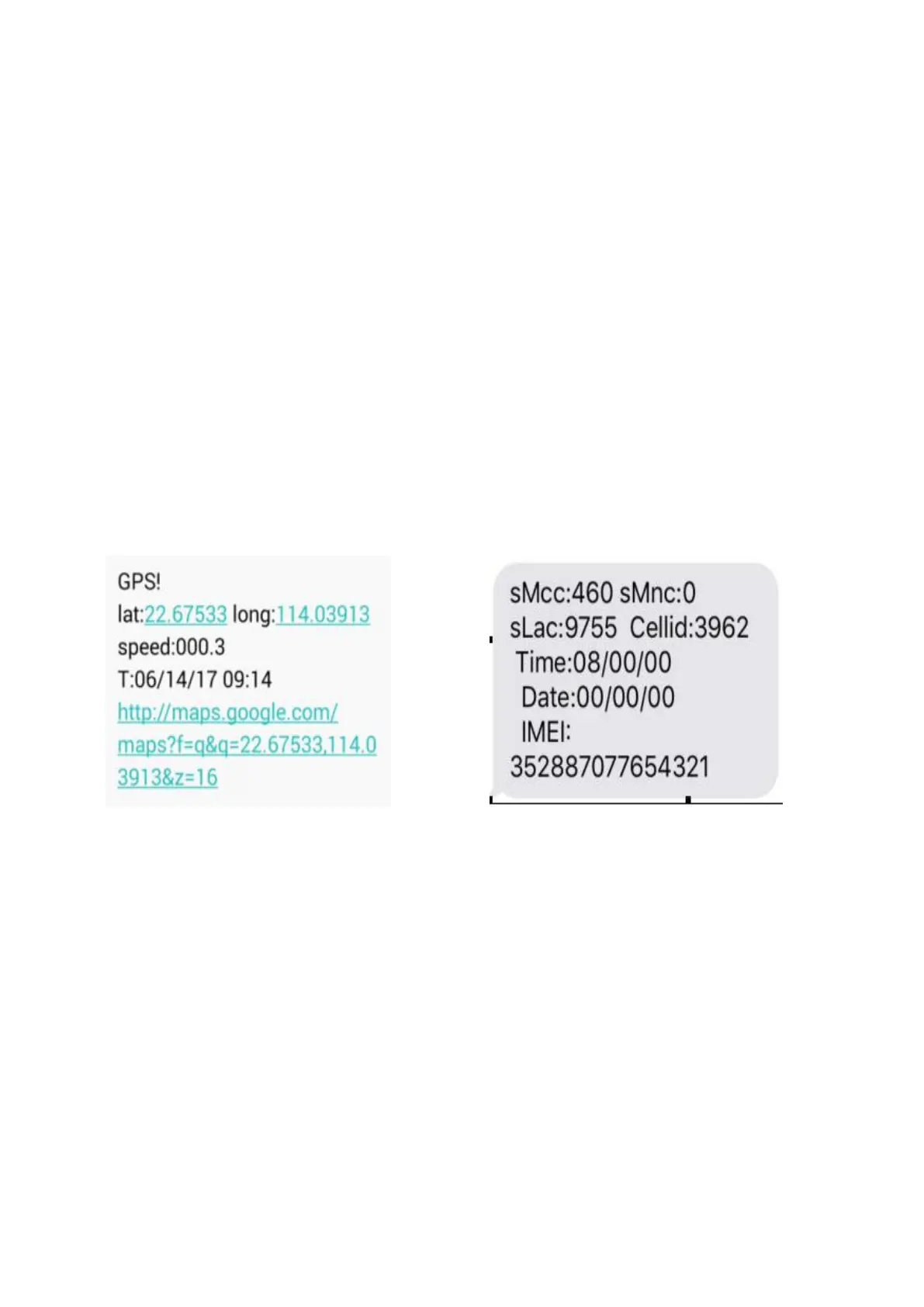
or sending message “smslink123456” to sim card in tracker ,device reply
positioning
EXPLANATION OF PARAMETERS/CODES IN SMS MESSAGE
Pic(1)have gps signal Pic(2)no gps signal
Pic 1:Replied real-time tracking information under GPS satellites signal.
Lat:22.67533 lon:114.03913 Positioning of the latitude and longitude
values.
Spd:000.3 This refers to the device moving speed. The unit is km/h.
T:06/14/17 09:14 real-tracking time, the Default is London time. You can
set a time zone by sms command
Google Link: This is the link to the Google map showing the position of the
device.


 To Next Page