Transferring Data and Optional Devices
2020
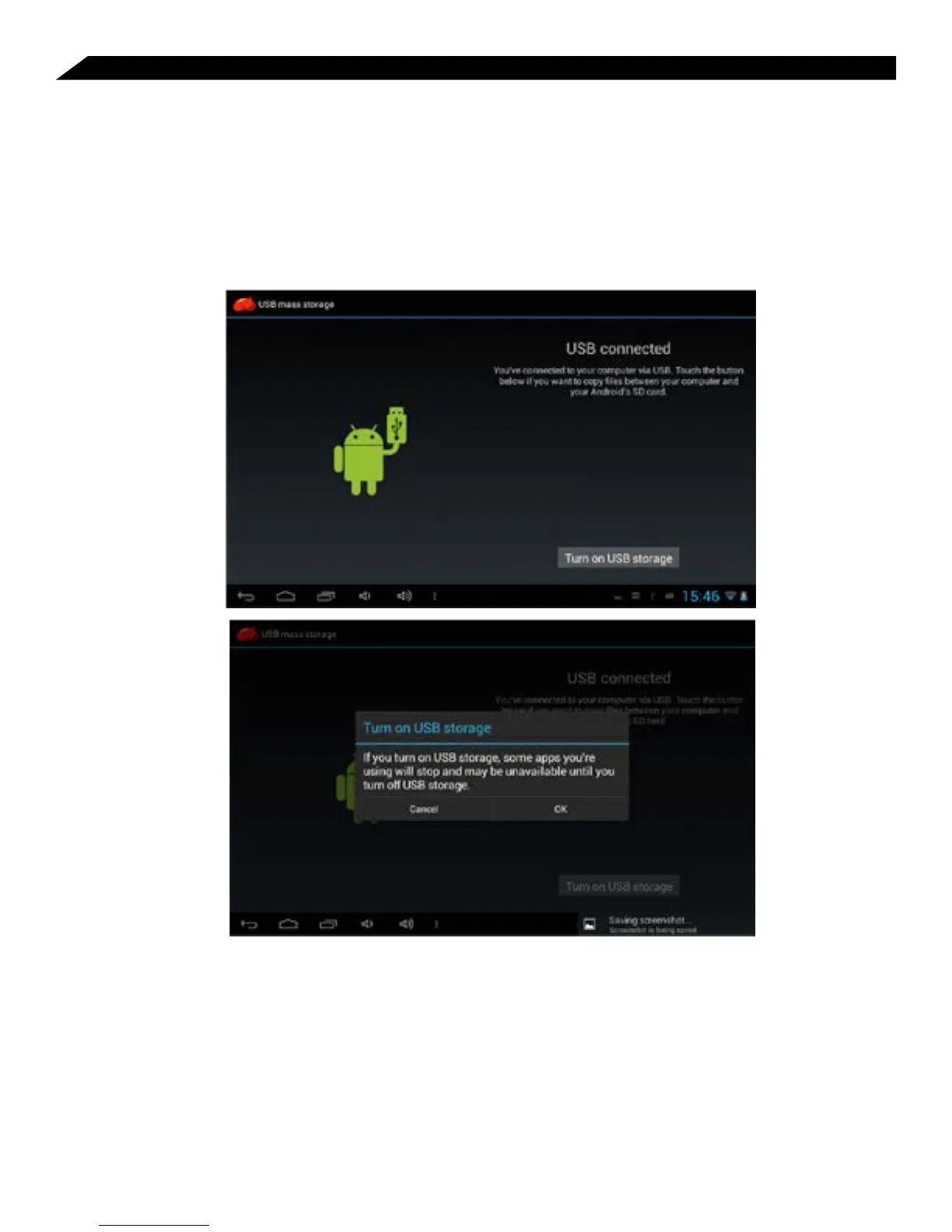
Connect the Tablet to a Windows-based Computer via USB
You can use the included USB cable to connect your tablet to a PC in order to transfer
documents and media files to and from each device. When you connect the tablet to
the PC, a brief message will appear stating “Connected as an Installer”. To activate the
USB connection, swipe up from the bottom right side and you will see “USB Connected”.
Select “USB Connected” and select the “Turn on USB storage” button and then confirm this
selection. Once the tablet is properly mounted, the tablet will be seen on the PC as a mass
USB storage device. From there, you can copy/paste files as you would on a PC.
Connecting memory via the USB transfer port
The small USB adapter cable included allows you to connect external storage devices
(ie - USB flash drives, etc.) to the tablet. Once you connect these devices to the tablet, the
files can be viewed in the File Manager under “usbhost1” folder.



 To Next Page