Basic Operation (Continued)
99
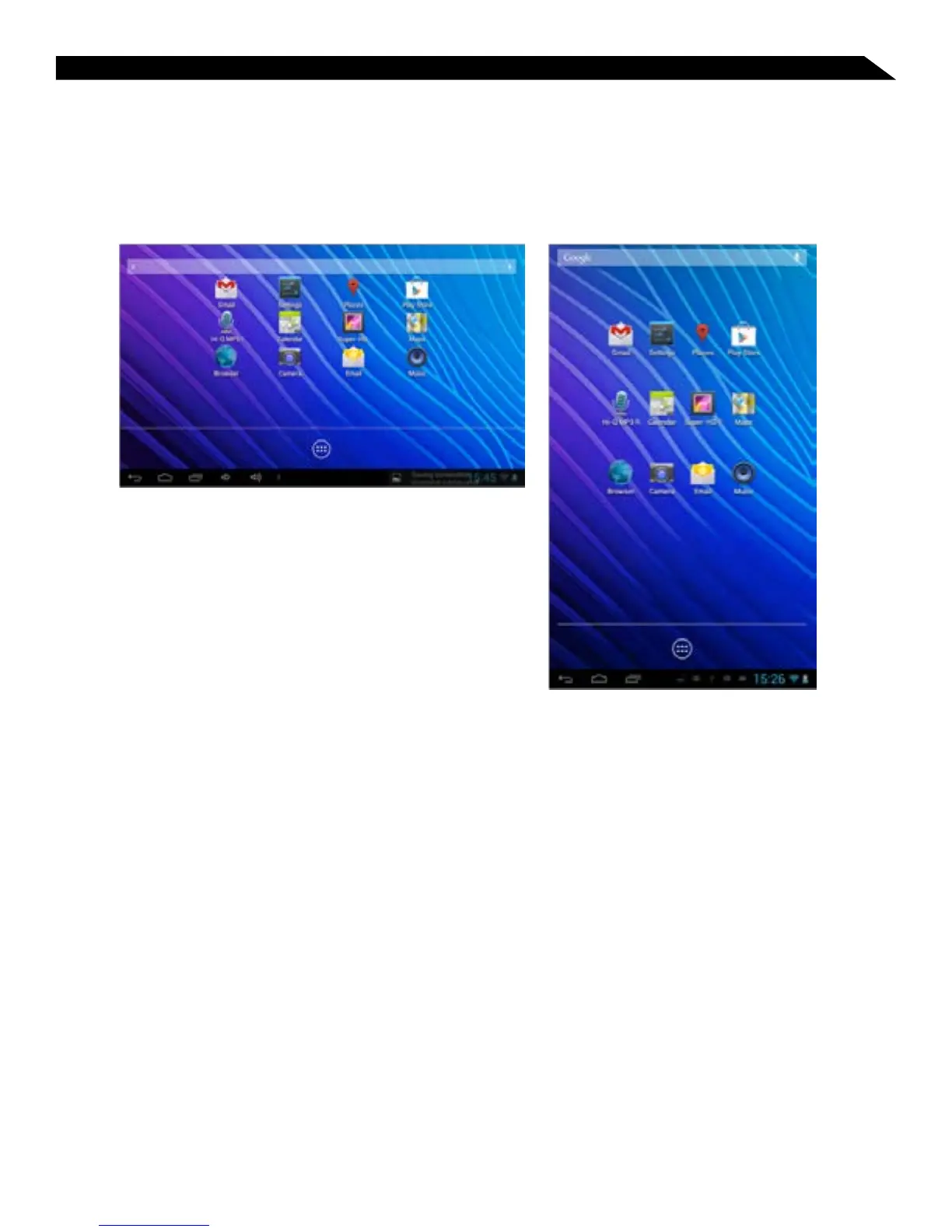
Changing the Screen Orientation
The tablet default setting is for “Auto-rotate screen” to be enabled; the screen will
automatically rotate based on the vertical/ horizontal orientation it is currently being held
in. To “lock” an orientation, simple deselect the “Auto-rotate screen” option in Settings >
Accessibility.
Horizontal / Landscape View
Vertical / Portrait View



 To Next Page