30
OVERVIEW
Your camera « Adrenalin » offers several features.
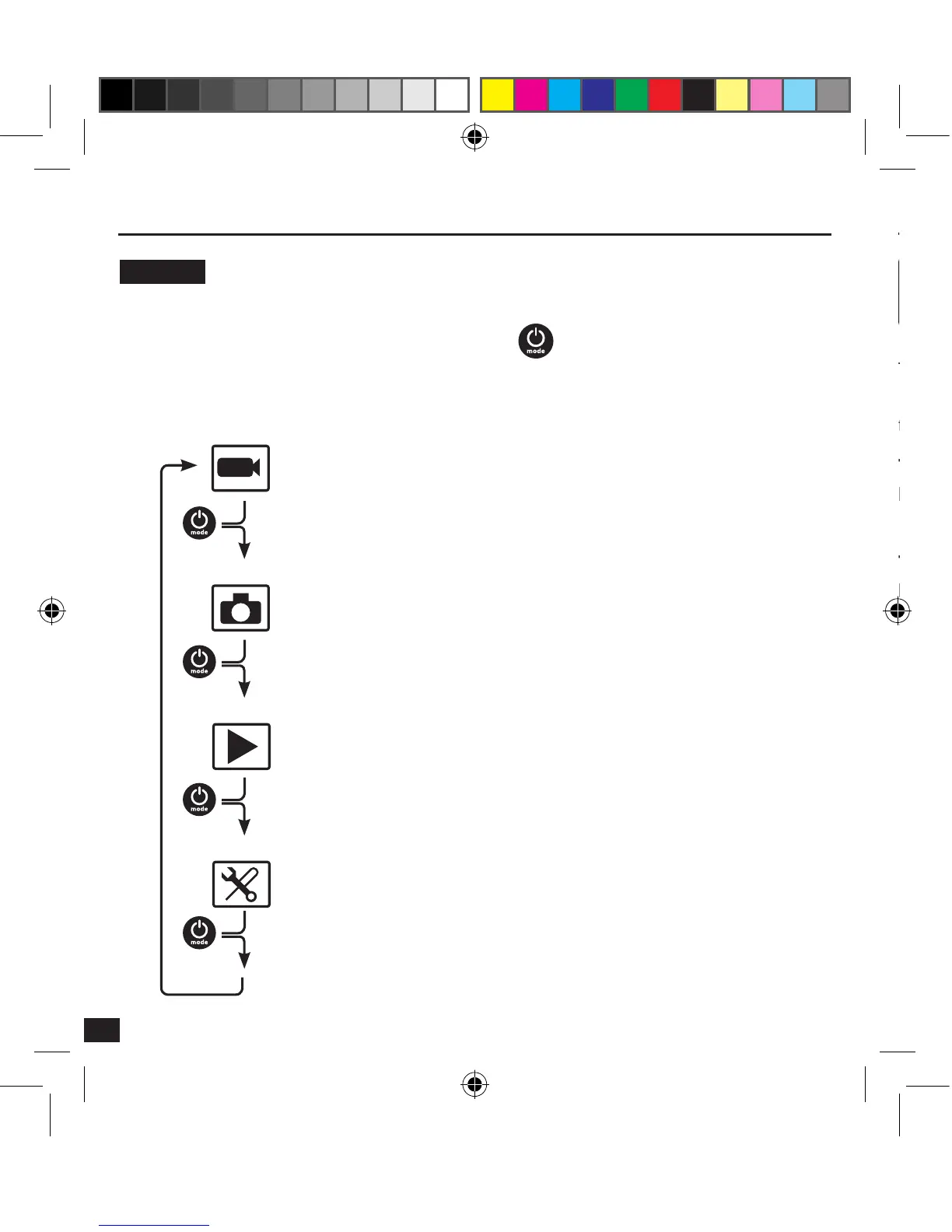
To switch from one mode to another, short press on
.
The modes are in the following order :
Basic principles
VIDEO
PHOTO
PLAYBACK
SETUP
Video recording
Shot
Configuration
Playback of the video recordings
To record a video, make sure that the camera is in video mode.
If the Video icon is not displayed on the LCD screen of your camera, press multiple
times until it appears.
To start recording :
Press and release the pressure. The camera emits a beep and the red and green status
indicator lights blink during the recording, a red dot also appears on the LCD screen.
To stop recording :
Press and release the pressure. The camera emits a beep and the red and green status
indicator lights stay on, but do not blink, the recording is then interrupted.



 To Next Page