32
You can modify the size of the display format
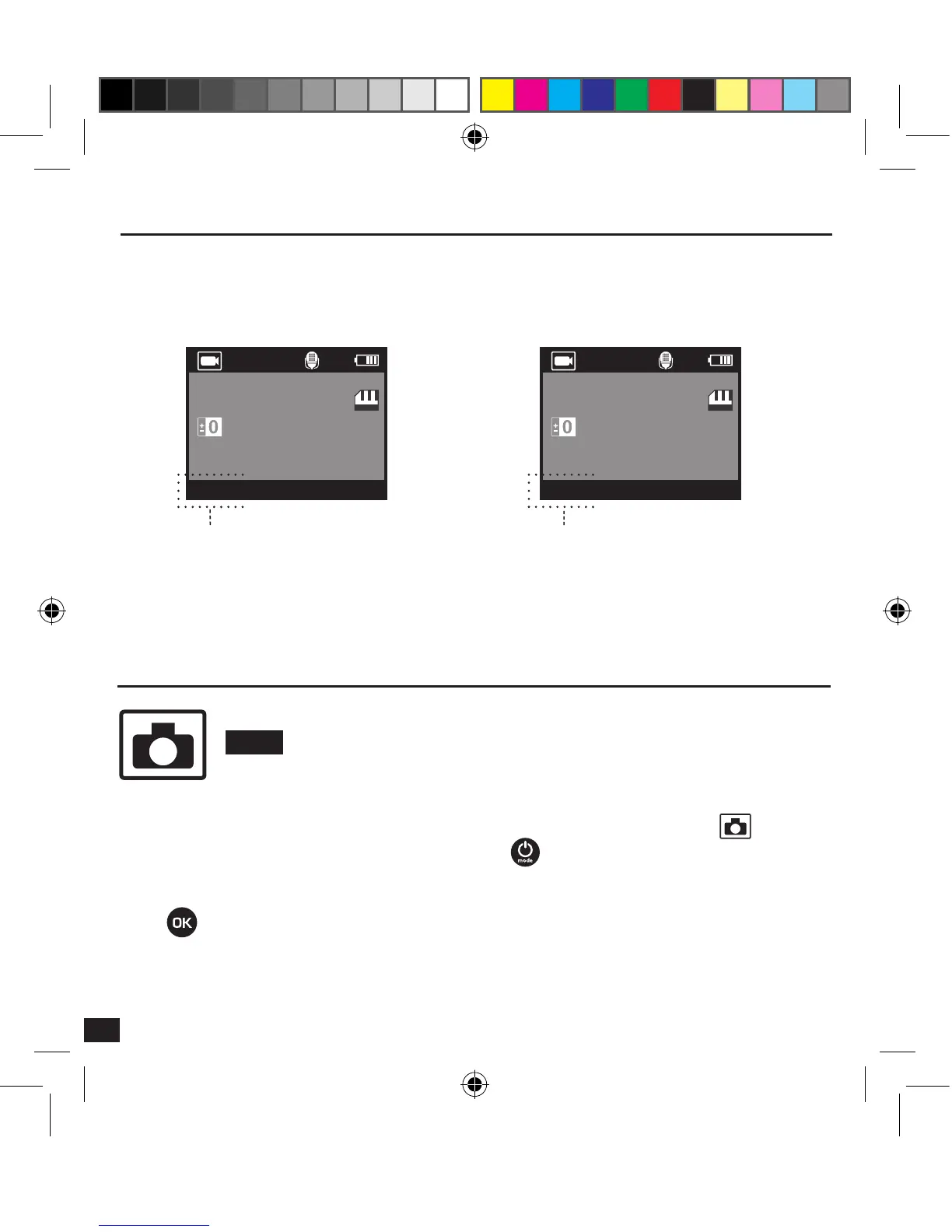
> Setup > Film size > 1080p or 720p
1080P 720P
00:00:00 00:00:00
Film size
Full HD - 1080p
Film size
HD - 720p
Shot Mode (Photo)
PHOTO
To take a Photo, make sure that the camera is in Photo mode. If the Photo icon
is not
displayed on the LCD screen of your camera, press multiple times until it appears.
To take a photo :
Press and release the pressure. The camera emits a beep, the red status indicator light
blinks for each captured shot.



 To Next Page