7
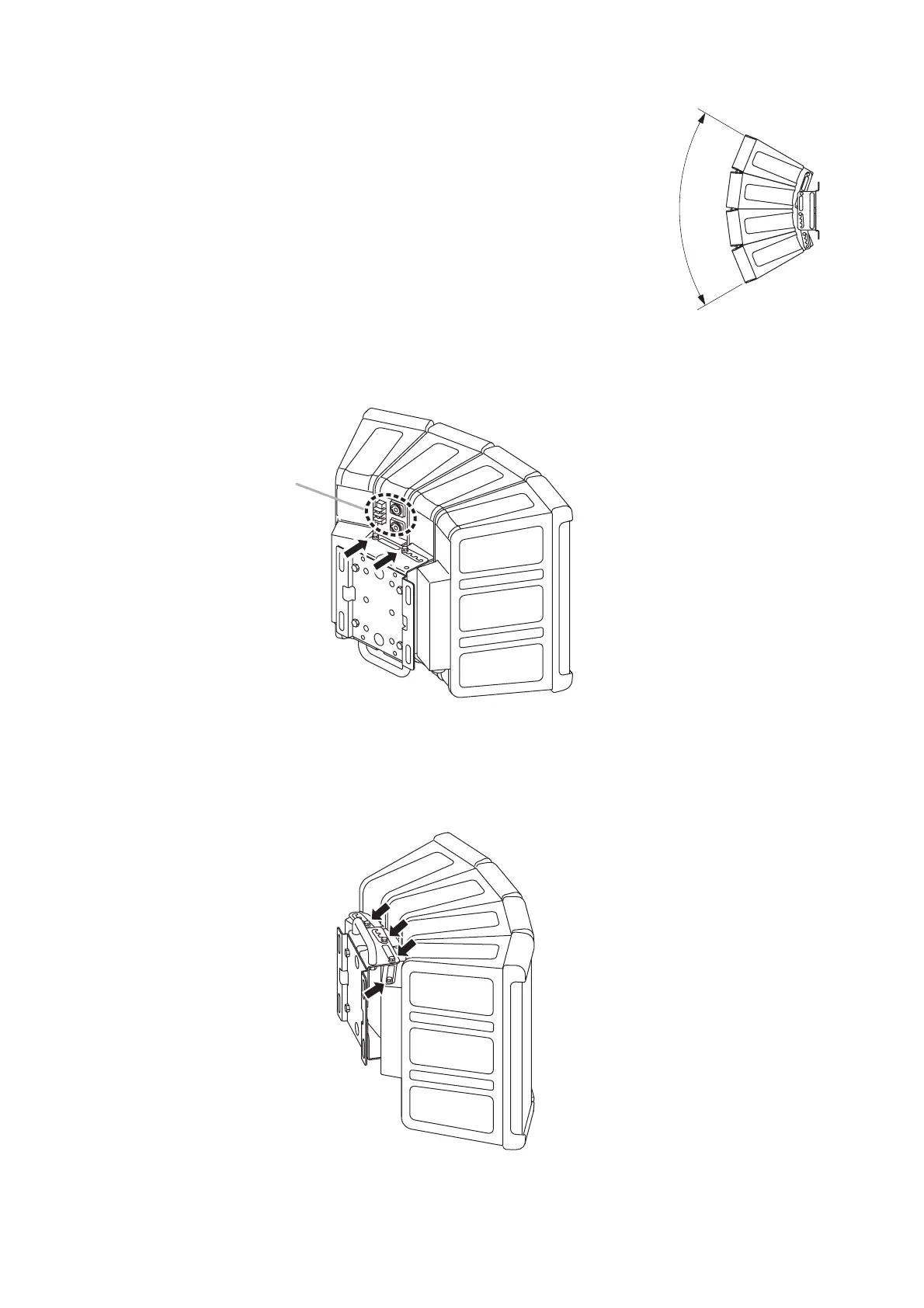
9. CHANGING THE SPEAKER'S DIRECTIVITY ANGLE
The speaker system's directivity angle mode is factory-preset to 60°,
but this mode can be changed to 45°, 30°, or 15° by following the
procedure described below.
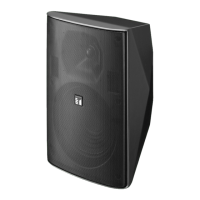
The figure on the right shows the speaker system in 60° mode.
Step 1. Loosen the 2 bolts on the input section side.
Step 2. Turn the speaker system upside down. Then, loosen the 4 bolts indicated by arrows.


 To Next Page