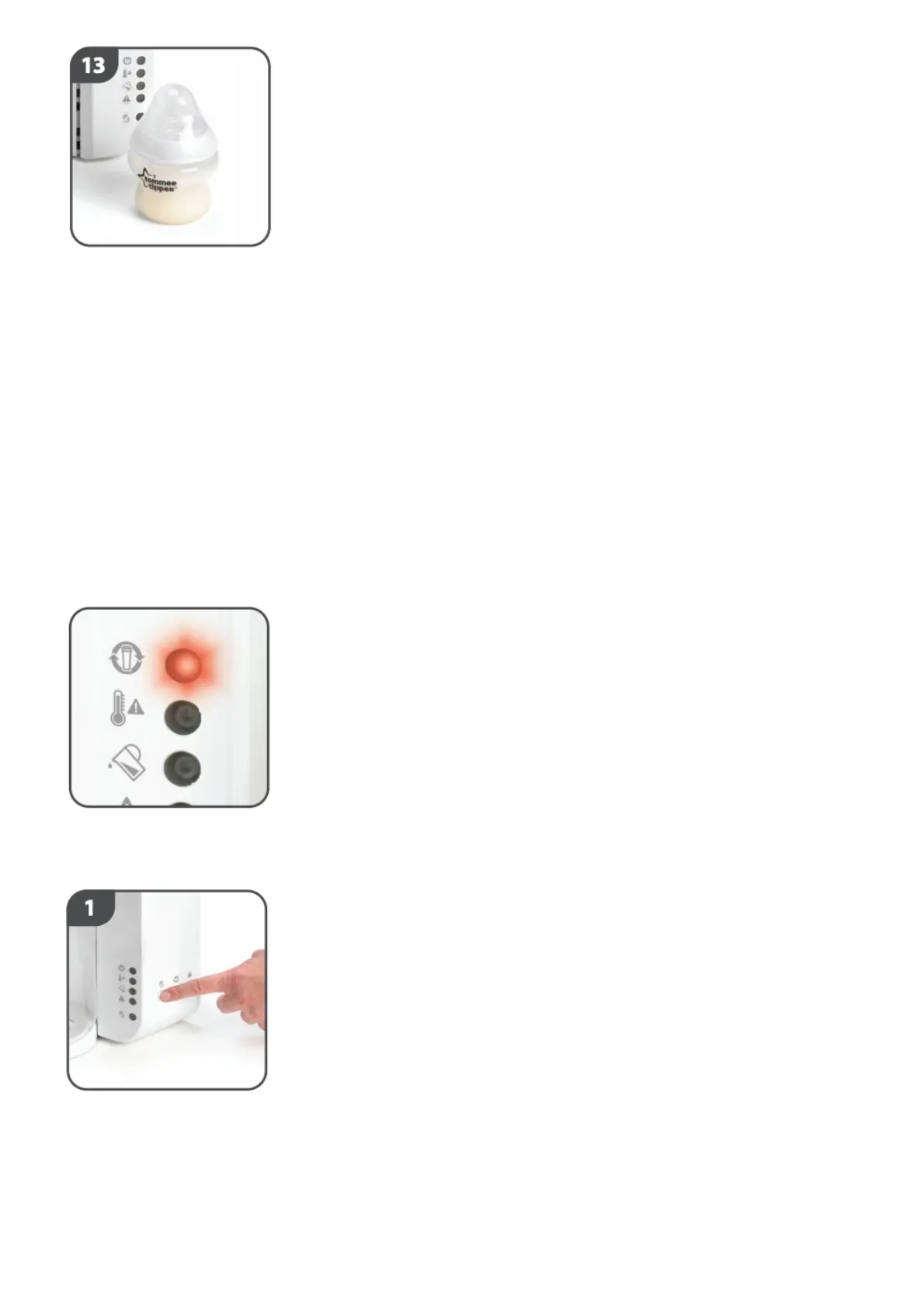
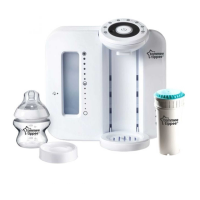
Your bottle is now ready to serve. Make sure you discard any unwanted feed as per the formula
manufacturers recommendation.
HOW TO STOP THE PERFECT PREP™ MACHINE
If at any point you need to stop the perfect prep™ machine you can do so by pressing the start/stop
button. The pump may continue to run for a few seconds and the green light will illuminate to show
that the process has ended. Should you have to stop the perfect prep™ machine please discard of any
feed.
3. MAINTENANCE
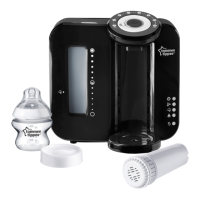
Replacing your filter.
Your unit comes with a water filter which lasts 150 litres (approximately 3 months).
Replacement filters are available from all closer to nature perfect prep™ machine stockists.
A red change filter warning light will illuminate when the filter needs replacing soon. If this light
flashes, the filter must be changed immediately.
Press the cleaning mode button for 2 seconds to empty the tank (ensure a suitably sized receptacle is
under the dispenser outlet to collect the water). Then press the filter volume reset button for 2
seconds to clear the memory.


 To Next Page