EasyManua.ls Logo

Tommy Bahama TB301MAB01 - User Manual

Tommy Bahama TB301MAB01
20 pages
Print Icon
To Next Page IconTo Next Page
Loading...
Net Weight:
33.5 Lbs.
Part No. F40BP72880001 Form No. BP7288-1
READ AND SAVE THESE INSTRUCTIONS
TB301MAB01
Medium Antiqued Brown
xxxxxxxxxxxxxxxxxxxxxxxxxxxxxxxxxxxxxxxxxxxxxxxxxxx
xxxxxxxxxxxxxxxxxxxxxxxxxxxxxxxxxxxxxxxxxxxxxxxxxxxxxxxxxxxxx
xxxxxxxxxxxxxxxxxxxxxxxxxxxxxxxxxxxxxxxxxxxxxxxxxxx
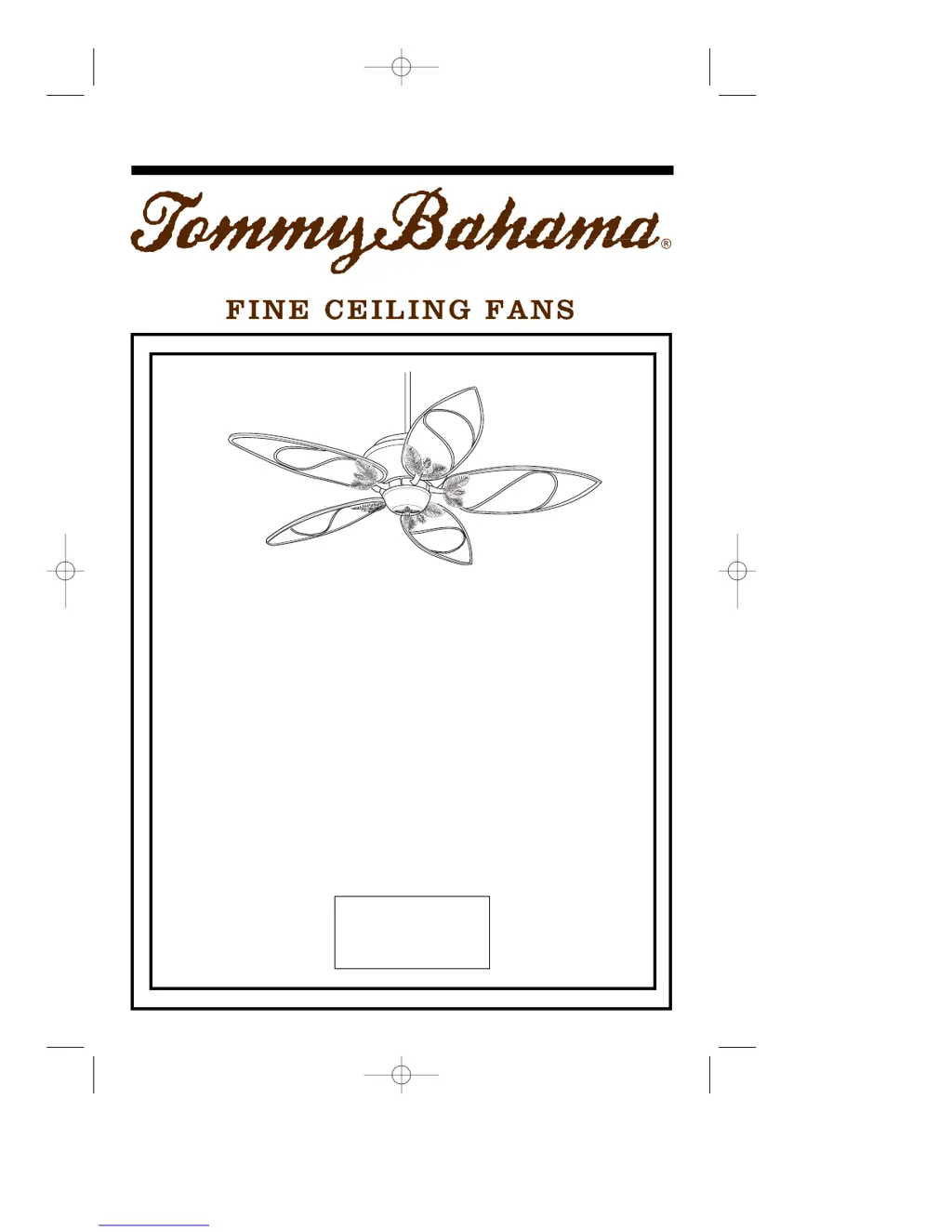
PARADISE KEY
Ceiling Fan
Owner's Manual
Model Number
BP7288-1 TB301 Paradise Key 1/26/11 11:59 PM Page 1

Questions and Answers

  • A
    Angela WalkerJul 31, 2025
    What to do if my Tommy Bahama TB301MAB01 Fan will not start?
    • J
      John WhiteJul 31, 2025
      If your Tommy Bahama Fan won't start, several factors could be at play. First, examine the main and branch circuit fuses or circuit breakers. Next, check the line power connections to the fan and switch wire connections in the switch housing for any looseness. Ensure the wall switch is turned on. If using a remote, verify the remote control transmitter batteries are functional by checking if the red indicator light illuminates when a button is pressed. Lastly, confirm that the code switches in the remote control receiver and transmitter are set to the same position.
  • P
    pthompsonAug 10, 2025
    How to fix Tommy Bahama TB301MAB01 Fan that wobbles?
    • A
      Amanda ThomasAug 10, 2025
      If your Tommy Bahama Fan wobbles excessively, start by tightening the setscrew in the motor coupling after raising the coupling cover. Then, tighten the setscrew in the hanger ball/downrod assembly. Ensure the screws attaching the fan blade flanges to the motor are tight and that the fan blade flanges seat firmly. Also, check that the hanger bracket screws are tightened to the outlet box, and/or secure the outlet box. As a final measure, try interchanging an adjacent blade pair to redistribute weight or use the supplied balancing kit.
  • K
    Kristin NortonAug 20, 2025
    Why is my Tommy Bahama TB301MAB01 Fan so noisy?
    • T
      Todd HooverAug 20, 2025
      If your Tommy Bahama Fan sounds noisy, it could be due to several reasons. Ensure that the blades are properly attached to the fan. Check and tighten the screws that secure the fan blade flanges to the motor. Make sure wire connectors inside the switch housing are not rattling against each other or the housing's interior. Tighten any loose screws holding the blades to the flanges, and check that all screws in the motor housing are snug, but not over-tight.

Summary

Safety Instructions

Additional Safety Instructions for Installation

Specific safety precautions for wiring and mounting the ceiling fan to prevent electrical hazards.

Tools Needed for Assembly

Materials

Unpacking Instructions

CEILING FAN PROCEDURES

Electrical Requirements

Details on the necessary electrical supply, circuit, and outlet box standards for fan installation.

Preset Memory Feature

Installation of Battery

Instructions for correctly inserting batteries into the remote control transmitter for operation.

How to Assemble Your Ceiling Fan

How to Hang Your Ceiling Fan

How to Wire Your Ceiling Fan

Attaching Light Kit

Setting Operating Frequency of Remote Control

Maintenance

IMPORTANT CARE INSTRUCTIONS for your Ceiling Fan

Specific advice on cleaning methods to protect the fan's motor and blades from damage.

Accessories

Trouble Shooting

Repair Parts Listing

INSTRUCTION TO THE USER

LIMITED WARRANTY

What The Warranty Covers:

Defines the scope of the warranty, covering defects in workmanship and materials for fan components.

What The Period Of Coverage Is:

Specifies the duration of warranty coverage for different parts of the ceiling fan, such as motor and accessories.

What Will Emerson Electric Co. Do To Correct Problems:

Outlines Emerson Electric's commitment to repair, replace, or refund defective fan parts or the entire unit.

Tommy Bahama TB301MAB01 Specifications

General IconGeneral
BrandTommy Bahama
ModelTB301MAB01
CategoryFan
LanguageEnglish

Related product manuals