Chapter 2: Getting the Basics
2.1 Turning the Player On/Off
There are 2 steps to turn the player on
1. Slide the Power Switch to the on position (full solid dot) and
2. Press and hold the Start/Stop Button until the LCD lights up
To turn the player off either
1. Press and hold the Start/Stop button until the player turns off
2. or Slide the Power Switch to the off position
Note: On/Off main switch is used for shipment or long period that device is not in use (more
then week). For regular use – use only start/stop only. Recharging can be done when switch
is in off.
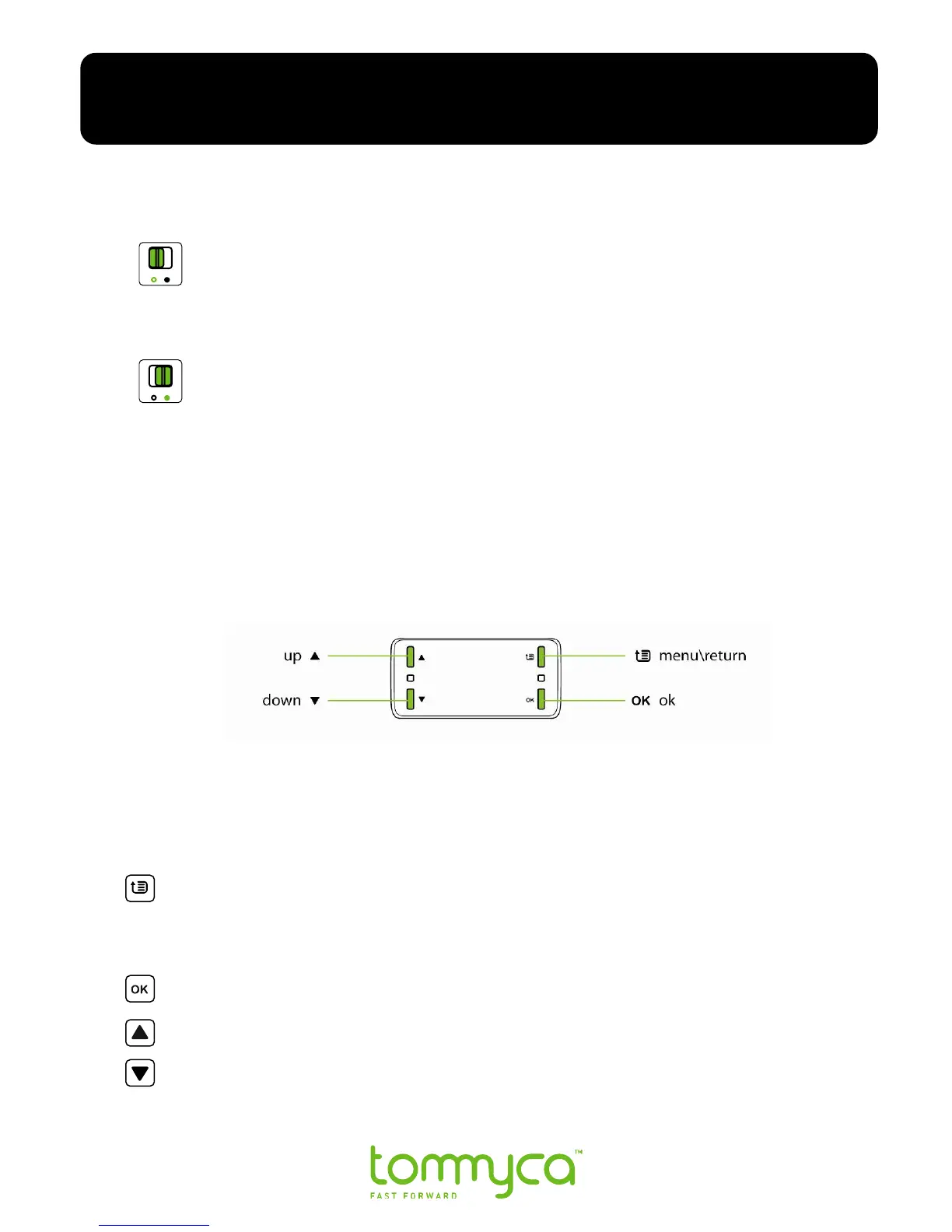
2.2 Menu Controls
Tommyca has four main menu and setup controls. To use the controls, press firmly
on the desired function control button.
Note: Controls are intentionally tight to help ensure rain proofing and should be pressed
firmly to activate the function.
Menu / Return has 2 functions, they are: To open the main menu screen, and to
return to previous screen. While in menu mode– short press on menu
return/back to upper in level menu. Long press on menu will exit menu and
return to play back.
The OK control approves the highlighted menu option.
Scrolls the menu options up.
Scrolls the menu options down.
Note: The company recommends that you do not use the Main Menu controls while riding.
Chapter 2: Getting the Basics



 To Next Page