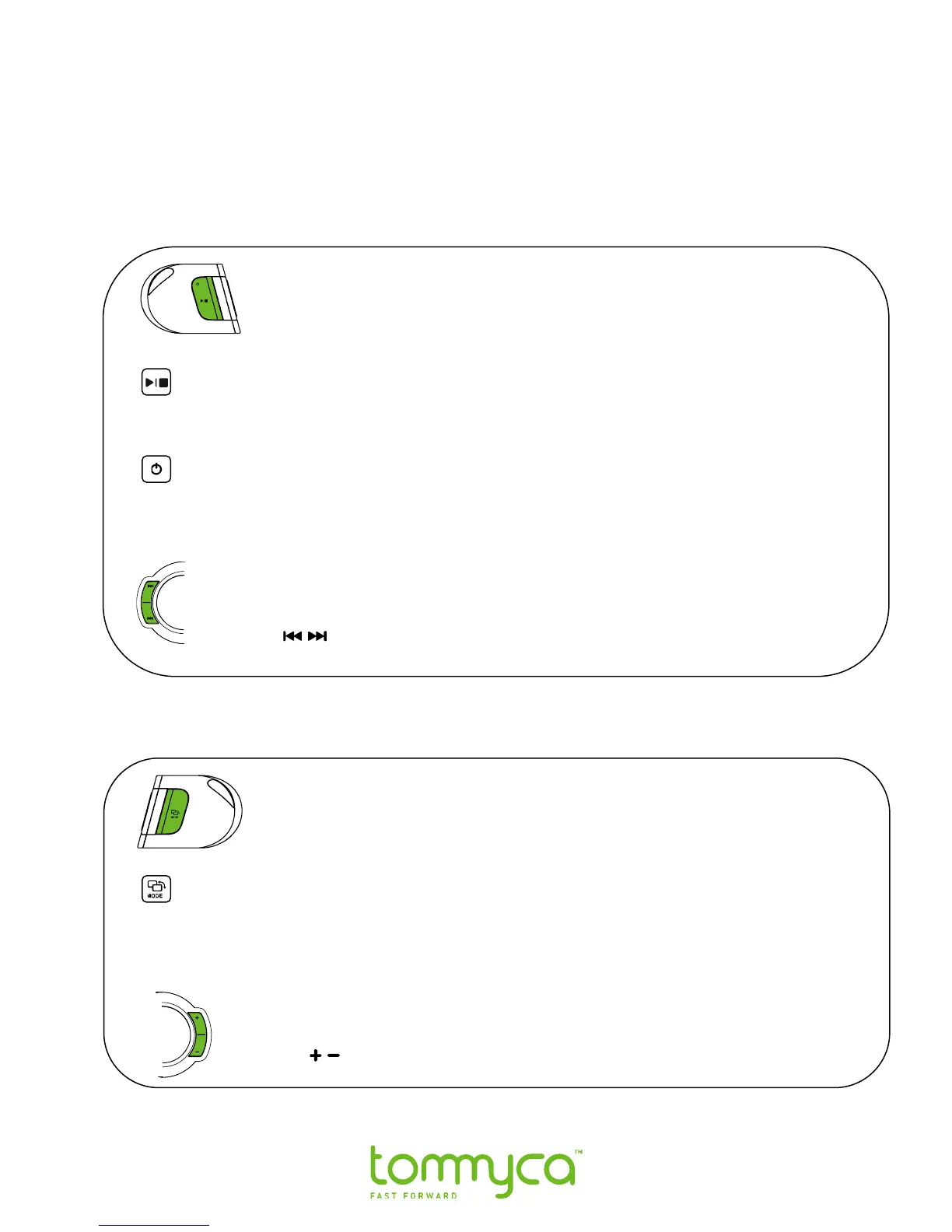
2.3 Riding Controls
Tommyca has several multi-function toggle controls positioned for easy access while
riding.
Left Side Controls
Play / Pause - to toggle between the Play / Pause functions, quickly press and
release the control.In FM and Aux mode short press on play/pause function as
Mute/unmute.
Start / Stop - To toggle between the Start / Stop functions, press and hold the
control.
Note: To Wake the player the power switch must be in the on position.
Track / Presets Selector - Depending on the current mode, the selector moves
through the stored files or preset FM frequencies.
Press the control to move forward or backward through the Music files
and FM Presets.
Note: You must be in normal listening mode to use the |Track/Presets| selector.
Right Side Controls
The Mode Selector allows you to change between FM Radio and Music
functions.
1. To move between the 2 functions, press and release the |Mode|
selector control.
2. The current mode will be displayed in the LCD.
Volume Control
Press the
control to adjust the volume.



 To Next Page