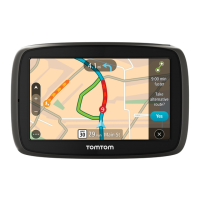
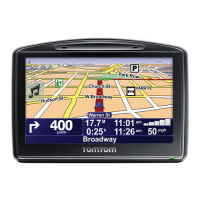
4. To plan a route to your chosen car park, select the drive button:
A route is planned and then guidance to your destination begins. As soon as you start driving, the
guidance view is shown automatically.
Tip: You can add a car park as a stop on your route by using the pop-up menu.
Finding a petrol station
To find a petrol station, do the following:
1. Select the Main Menu button to open the Main Menu.
2. Select Petrol Station.
The map opens showing the locations of petrol stations.
If a route is planned, the map shows petrol stations along your route. If a route isn't planned, the
map shows petrol stations near your current location.
You can change the screen to show a list of petrol stations by pressing this button:
You can select a petrol station from the list to locate it on the map.



 To Next Page