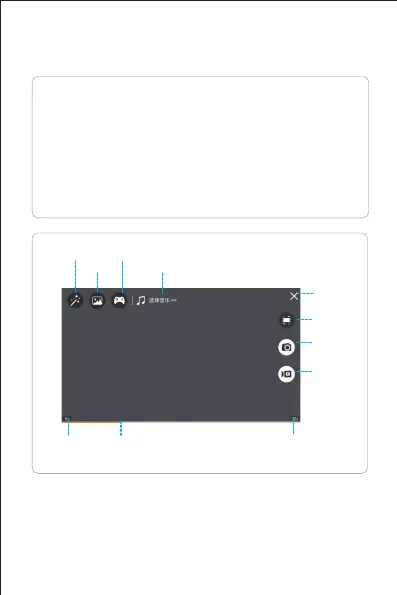
The MV interface
* Rotating picture
Click this button to enable the Rotate Screen feature. At
this point, the finger swipes on the screen to rotate the
image; if the finger double-clicks anywhere on the screen,
the image can be magnified in an instant (this feature also
applies when recording video).
Introduction to MV interface


 To Next Page