EasyManua.ls Logo

TOMZON D15 - User Manual

TOMZON D15
19 pages
Print Icon
To Next Page IconTo Next Page
Loading...
DANGER
Only suitable
for age 14+
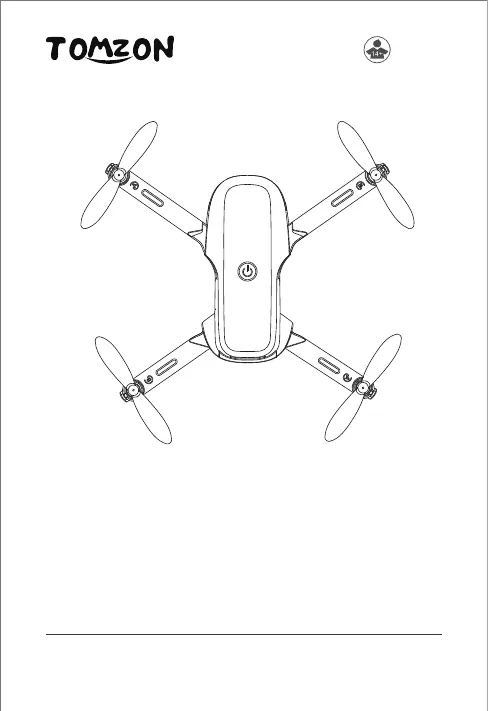
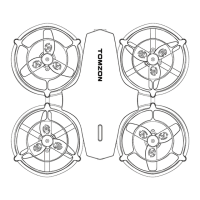
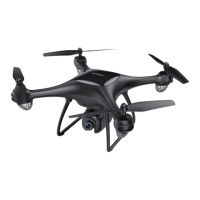
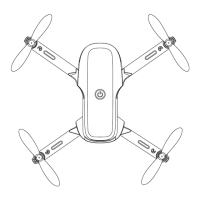
D15 Mini Drone
User Manual
support.it@tomzontoys.com
support.es@tomzontoys.com
support.jp@tomzontoys.com
support.de@tomzontoys.com
support.fr@tomzontoys.com
support.uk@tomzontoys.com
Email: support@tomzontoys.com
Web: www.tomzontoys.com
FB: www.facebook.com/tomzonofficial

Questions and Answers

  • P
    petersonrobertJul 30, 2025
    What to do if TOMZON D15 Drones indicator flashes and remote control beeps?
    • S
      Shawn MorrisJul 30, 2025
      If the TOMZON Drones' indicator flashes and the remote control beeps, it likely means the battery is low. Recharge the battery to resolve this issue.
  • B
    Brian WatsonAug 4, 2025
    Why TOMZON D15 propellers spin but it won't take off?
    • M
      Mary DavisAug 5, 2025
      If your TOMZON Drones propellers spin but it won't take off, it could be due to several reasons: * The battery might be low, so recharge it. * The propellers might be incorrectly installed; ensure they are in the right orientation. * The propellers could be distorted, in which case, replace them.
  • G
    gbrownAug 10, 2025
    Why TOMZON Drones cannot stay balanced in flight?
    • B
      Beth AllisonAug 11, 2025
      If your TOMZON Drones cannot stay balanced in flight, it may be due to: 1. An uncalibrated gyro sensor, which requires recalibration. 2. Distorted propellers, which would need replacement.
  • S
    stephenmcdonaldAug 16, 2025
    What to do if TOMZON D15 indicator flashes slowly and does not respond to the remote control?
    • H
      hudsonashleyAug 17, 2025
      If the TOMZON Drones' indicator flashes slowly and doesn't respond to the remote control, it could be due to: * The remote control is not connected to the drone, perform frequency matching operations. * A low battery, recharge the battery.
  • J
    Julia TurnerAug 22, 2025
    Why TOMZON D15 sways sharply?
    • I
      ipetersAug 23, 2025
      If the TOMZON Drones sways sharply, it is likely because the propellers are distorted. Replace the propellers to fix this issue.

Summary

APP

Download the App

Scan QR code or search 'Tomzon-V' to download the app for Android and iOS.

Wi-Fi Connection

Connect the drone to your smartphone via Wi-Fi for app control (iOS & Android).

Aircraft Profile

Aircraft Setup and Charging

Steps for installing propellers, battery, protective guards, and charging the drone.

Remote Control Profile

Remote Control Battery Installation

Instructions for installing batteries into the remote control using a screwdriver.

Quick Start Guide

Steps for frequency matching and calibration of the drone and remote control.

Flight Operations

Take off and Landing

Methods for safely taking off and landing the drone using the remote control.

Emergency Stop

Procedure for stopping the drone's motors immediately in an emergency.

Basic Flight Controls

Using control sticks for altitude, rotation, forward/backward, and left/right movements.

Headless Mode

Flying the drone with fixed directional controls, independent of its orientation.

3 D Flip Mode

Performing 360-degree flips using the remote control's designated button.

Fine Tuning

Adjusting drone stability and flight path for smooth hovering.

Intelligent Flight Mode

Engaging rotation and surround modes for advanced flight maneuvers.

Specifications

TOMZON D15 Specifications

General IconGeneral
BrandTOMZON
ModelD15
CategoryDrones
LanguageEnglish

Related product manuals