- 05 -
Connect to the APP:
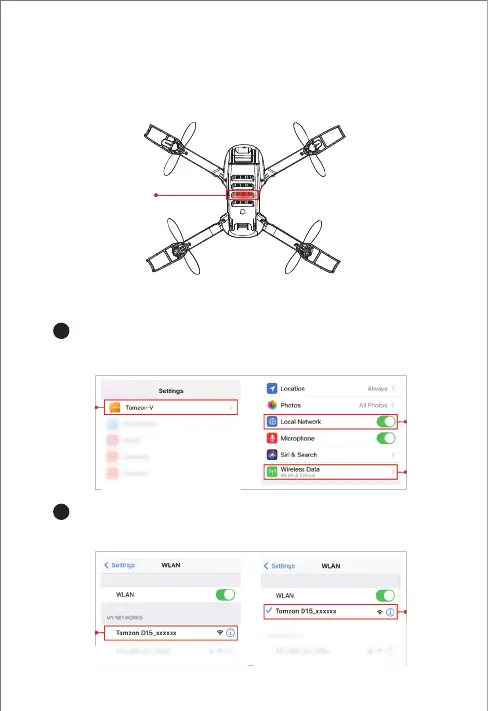
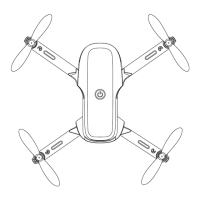
1. Long press the power switch of the drone for 1S to start the drone, and
confirm that the camera's Wi-Fi signal light (red light) enters the slow
flashing state, indicating that the Wi-Fi module is ready.
Go to the setting, swipe down to find the Tomzon-V APP. Turn on
the local network, Wi-Fi and cellular network authorization.
Enter the wireless settings of the mobile phone, click the Wi-Fi name:
Tomzon_D15_xxxxxx.
2.1 Wi-Fi Connection (IOS)
1
2


 To Next Page