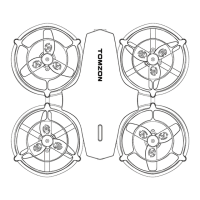
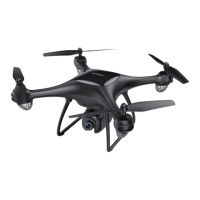
1. Remove the battery from the drone compartment. (make sure that
the drone is off)
2. Connect the USB charger to the computer.
3. Connect the battery to the USB charger, When charging, the
indicator lights red, and after full charging, the indicator lights
green.
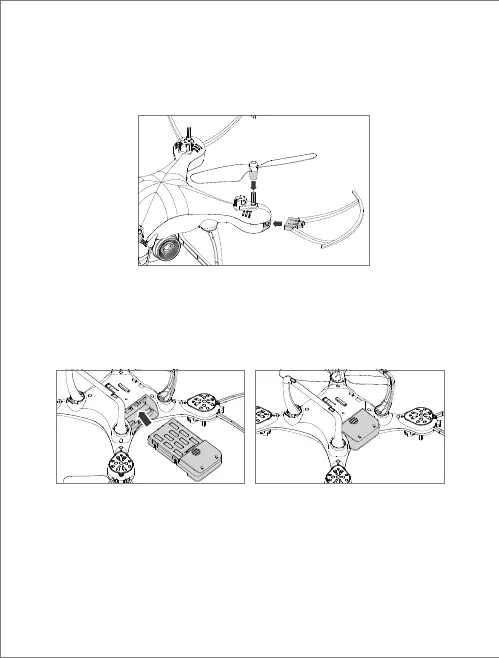
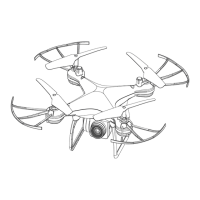
Insert the blade guard into the drone arm in a positive and horizontal
direction.
It is recommended the beginners install the protective guard to avoid
damage due to operational errors.
Install blade guards
Insert the battery into drone
Charing the drone battery
- 06 -
EN


 To Next Page