TH2821A OPERATION MANUAL
21
z Clear (Clear) is displayed in the primary parameter
display area, OpeN (OPEN), Short (Short) or Quit (Quit)
will be displayed in the secondary parameter display
area.
* Note:
OpeN (OPEN), Short (Short) and Quit (Quit) are selected and
displayed automatically by the meter according to the impedance
value of the device under test.
z Press } key to cancel the correction operation and
return to the measurement state. Press
x key to
start the correction measurement.
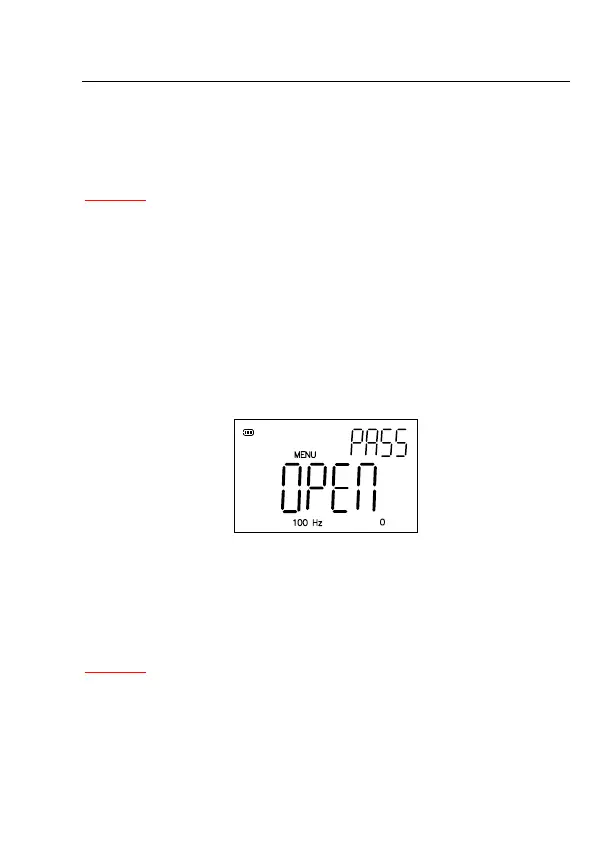
z When correction measurement is finished, PASS or FAIL
will be displayed on the screen, see Figure 4-3
Figure 4-3 Open correction Passed
z Press
} key to abort the current correction data
measurement and return to the measurement. The
previous correction data will still be stored.
* Note:
1. The correction function must be used for accurate measurement.
The correction function can eliminate the stray admittance
(capacitance, and inductance) and the residual impedance
(resistance and reactance) induced by test fixture, test leads and



 To Next Page