TH2821A OPERATION MANUAL
25
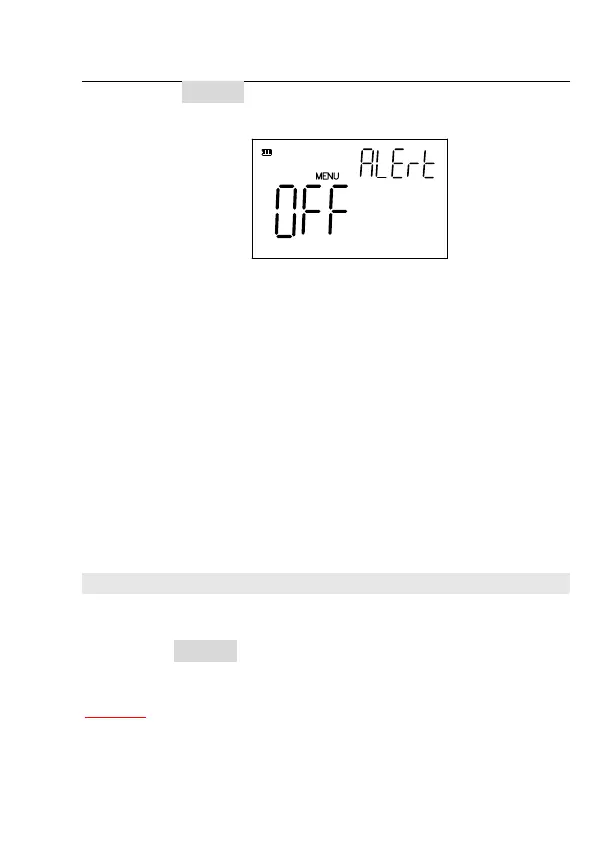
z Press BUZZER, the following information will be
displayed on the LCD screen:
Figure 4-4 Alarm Setup
z Use
rand q keys to select following alert modes in
turn.
OFF Alert off
P1 P1 alert mode
P2 P2 alert mode
P3 P3 alert mode
Ng NG alert mode
z Press
xto save the alert setup and return to the
measurement state.
z press
} to abort the alert setup without change.
4. Display Mode
z Press
u key to select the second function, “SHIFT”
will be lighted on the screen.
z Press DISPLAY key to select the display mode: Direct,
Absolute deviation(∆), Percent deviation(∆%).
* Note:
1. Absolute deviation (∆)display mode



 To Next Page