Need help?
Do you have a question about the TONOR TW820 and is the answer not in the manual?
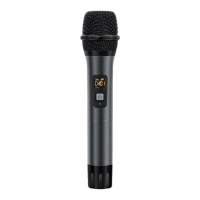
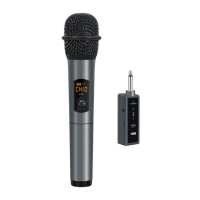
Instructions for powering the microphone on or off using the power button.
Guidance on how to change the operating frequency using the HI-LO button.
Explanation of LED indicator colors for charging status and power on.
Meaning of RF light states: off, steady, quick flash, and slow flash.
Explanation of display elements including signal levels, volume, channel, and frequency.
Procedure for pairing the microphone with the receiver when no sound is present.
 General
| Brand | TONOR |
|---|---|
| Model | TW820 |
| Category | Microphone |
| Language | English |

 To Next Page