Need help?
Do you have a question about the TONOR TW620 and is the answer not in the manual?
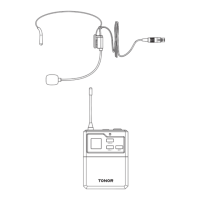
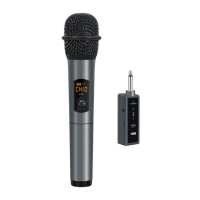
Identifies key parts of the microphone, including the display screen and buttons.
Instructions on how to properly install AA batteries into the microphone.
Step-by-step guide on powering the microphone on and off using the power button.
Instructions on how to adjust the microphone's operating frequency using the HI-LO button.
Identifies receiver ports like USB-C, power button, and signal antenna.
Explains the meaning of the battery and RF indicator lights on the receiver.
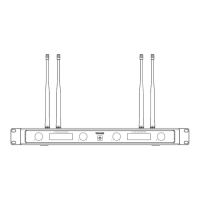
Details the parts of the TW820 receiver, including antennas, power switch, and volume controls.
Describes the information shown on the LCD display of the TW820 receiver.
Guide on connecting audio cables, antennas, and power to the TW820 receiver.
Explains signal levels, volume, channel, and frequency indicators on the TW820 display.
Illustrates the TW820 receiver display when microphone batteries are not installed.
Steps to resolve 'no sound' issues for the TW620, focusing on pairing.
Detailed procedure for pairing wireless microphones with the receiver to establish a connection.
Guide for fixing 'no sound' issues on the TW630, including pairing steps.
Addresses issues like signal noise, interference, and microphones failing to power on.
States that the device complies with FCC Part 15 regulations regarding interference.
 General
| Type | Condenser |
|---|---|
| Polar Pattern | Cardioid |
| Frequency Response | 20Hz - 20kHz |
| Connectivity | Wired |
| Bit Depth | 16-bit |
| Sample Rate | 48kHz |
| Compatibility | Mac |
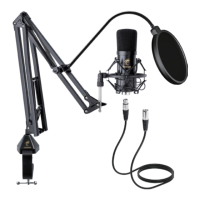
| Included Accessories | Microphone, Shock Mount, Pop Filter |

 To Next Page