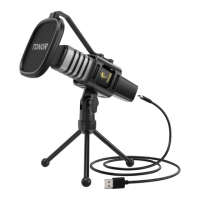
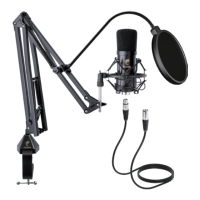
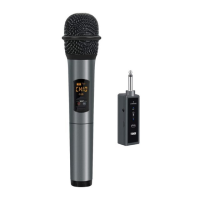
or
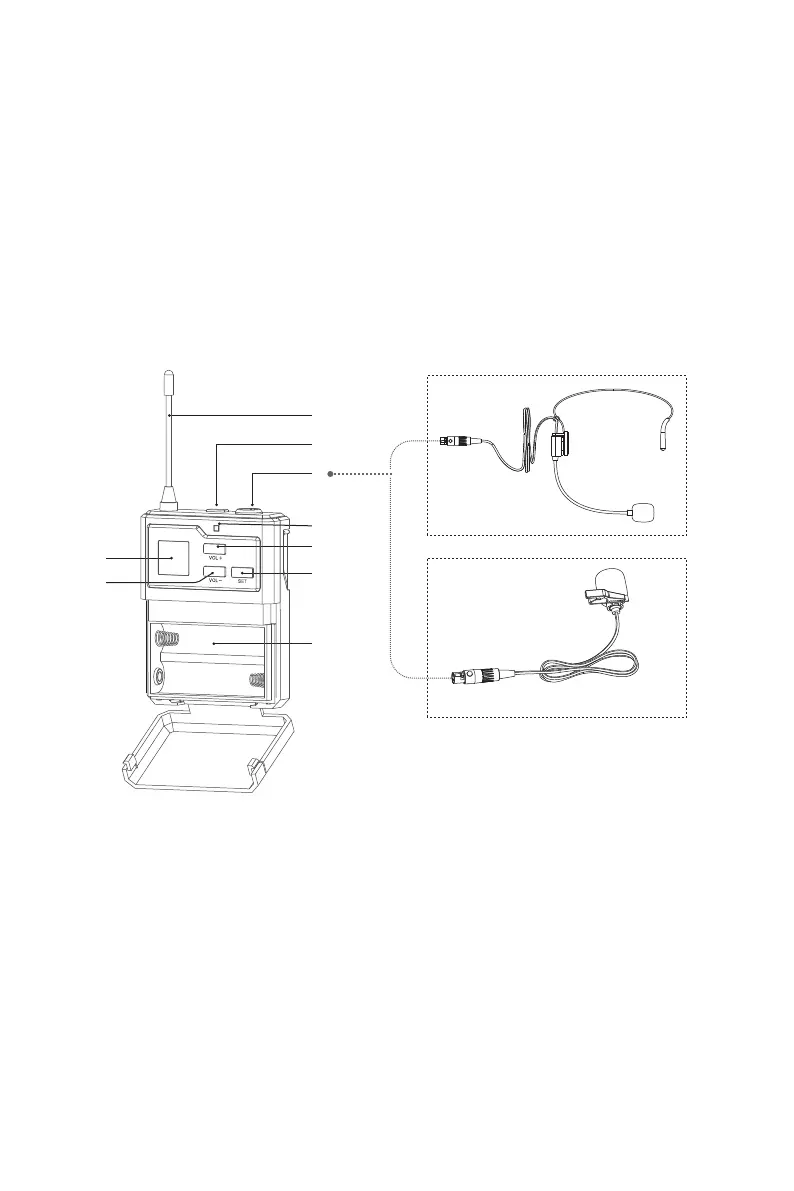
1. Antenna
2. Power Button: Click to turn on the mic. Click to mute when it is on,
and click again to exit mute. Long press for 2 seconds to turn off.
3. XLR Jack
4. LCD Display
5. LED Light: Green for power on. Red for Mute.
6. VOL+: Click to increase the volume by one level. Long press to
increase the volume automatically, up to 40 levels.
7. VOL-: Click to decrease the volume by one level. Long press to
decrease the volume automatically, down to 0 level.
8. SET Button: Short press to change the frequency.
9. Battery Compartment
SPECIFICATIONS
Frequency Response: 40hz-18khz
Maximum Radio-frequency Power Transmitted: -6 dBm
Operating Frequency (US): B MIC: 915.6-926.8MHz
Operating Range: Up to 60m
Frequency Stability: ±0.0005 MHz
SNR: 96dB
Sound Distortion: ≤0.5%
Mic Input Sensitivity: -51dBV
RF Sensitivity: -95dBm
Operating Temperature: 0˚C to +55˚C
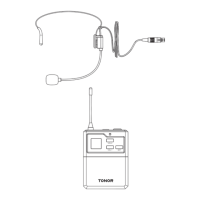
BODYPACK OPERATION INSTRUCTION
1
2
3
6
8
9
5
4
7


 To Next Page