17
7.Troubleshooting
LED Flashes
Status Corrective Actions
Color Frequency
Red
1 Bill Jammed Check the banknote path and clear any obstruction.
2 Disable Check if the DIP switch setting is correct
3 LED error
View and remove foreign objects on the sensor and
Bill path
3+2 Out Sensor/LED error
View and remove foreign objects from the anti-theft
hook
3+4
Fishing LED/Sensor
error
View and remove foreign objects on the sensor and
Bill path
4
A stringing attempt
has detected
View and remove foreign objects on the sensor and
Bill path
7 Motor error Contact dealer
Yellow 1 Identify UV Led error Clear channel dirty
Blue 1
Input Led or sensor
Interfered
Remove light interference
Purple 1
Fishing Led or sensor
Interfered
Remove light interference
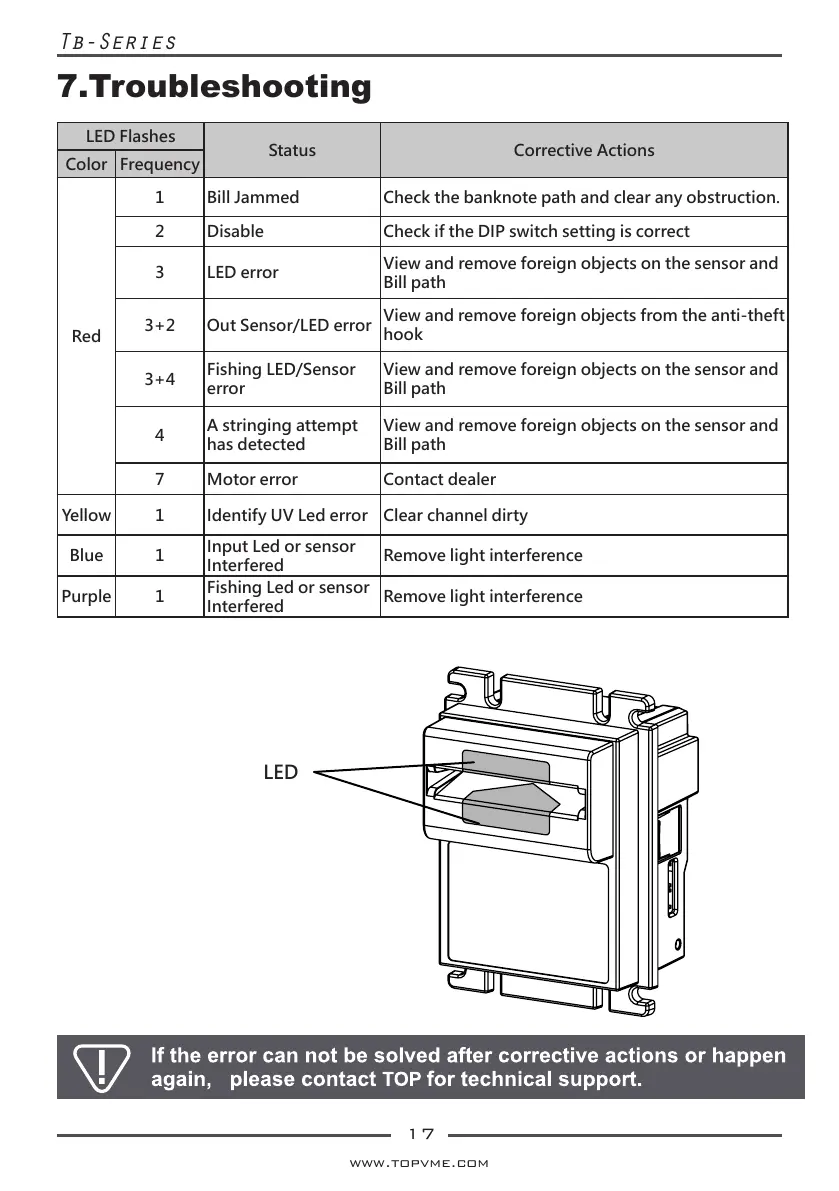
LED
All manuals and user guides at all-guides.com



 To Next Page