7
Operation cordless handset
7 Operation cordless handset
7.1 Outgoing calls
Making a phone call
Call setup with dial preparation
Redialling the last number dialled
Redial one of the last 3 numbers called
7.2 Incoming calls
This section only describes the working of the cordless handset! For the corded
phone operation, see ”6 Operation corded phone”.
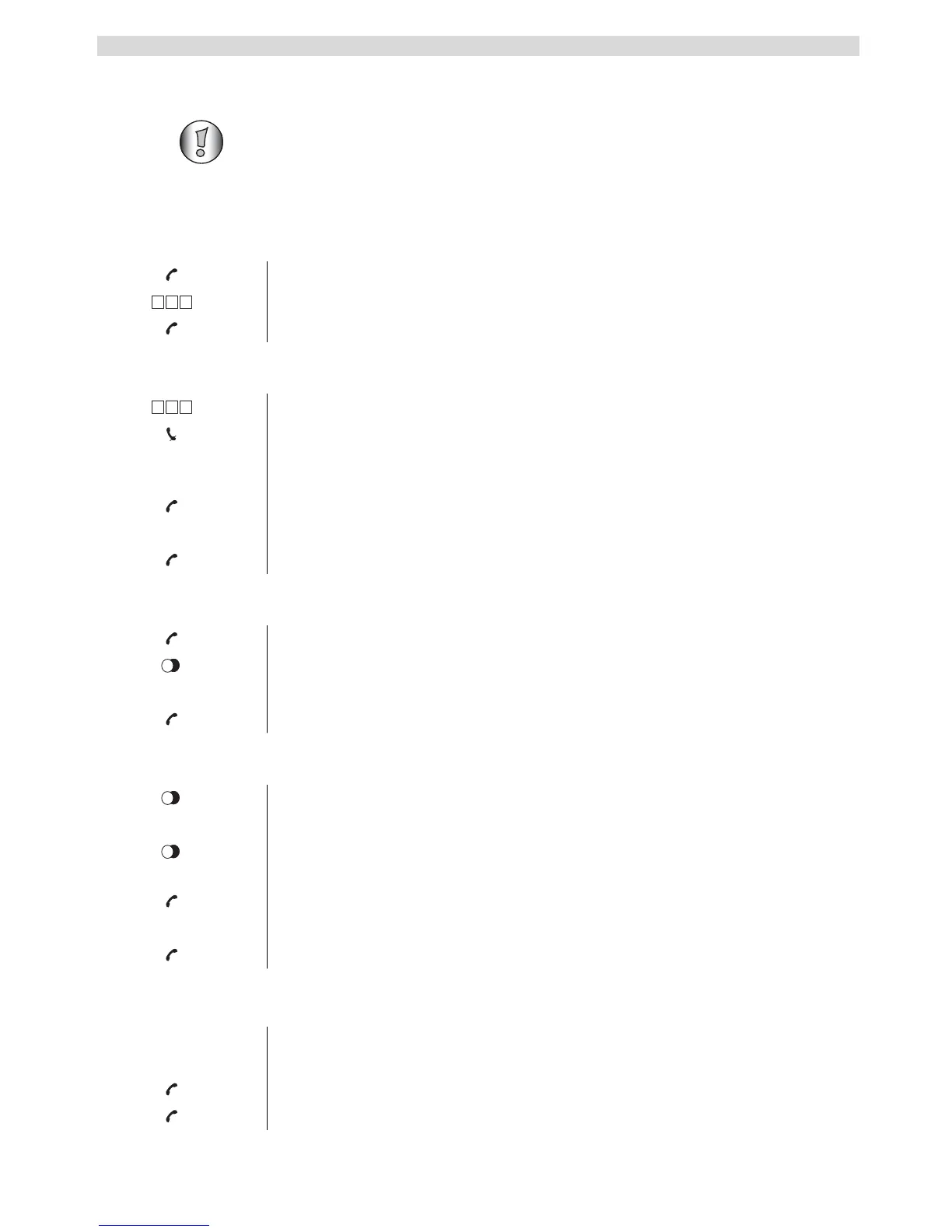
1 Press the line key.
2 Enter the desired telephone number.
3 Press the line key when you want to terminate the call.
1 Enter the desired telephone number.
An incorrect number can be corrected by means of the mute key. When you
haven’t pressed a key for 10 seconds, the number will disappear and the
handset returns to standby mode.
2 Press the line key.
The number will be dialled automatically.
3 Press the line key again when you want to terminate the call.
1 Press the line key.
2 Press the redial key.
The number you last called wi
ll be dialled automatically.
3 Press the line key again when you want to terminate the call.
1 Press the redial key.
The number you last called appears on the display.
If you would like to dial one of the last 3 numbers, press the redial key a few
times until the desired number appears on the display.
2 Press the line key.
The number will be dialled automatically.
3 Press the line key again when you want to terminate the call.
When a call comes in, the handset will start to ring and the v
isual call LED on
the base will blink.
1 Press the line key to answer the incoming call.
2 Press the line key again when you want to terminate the call.
456
g h i j k l m n o
456
g h i j k l m n o



 To Next Page